
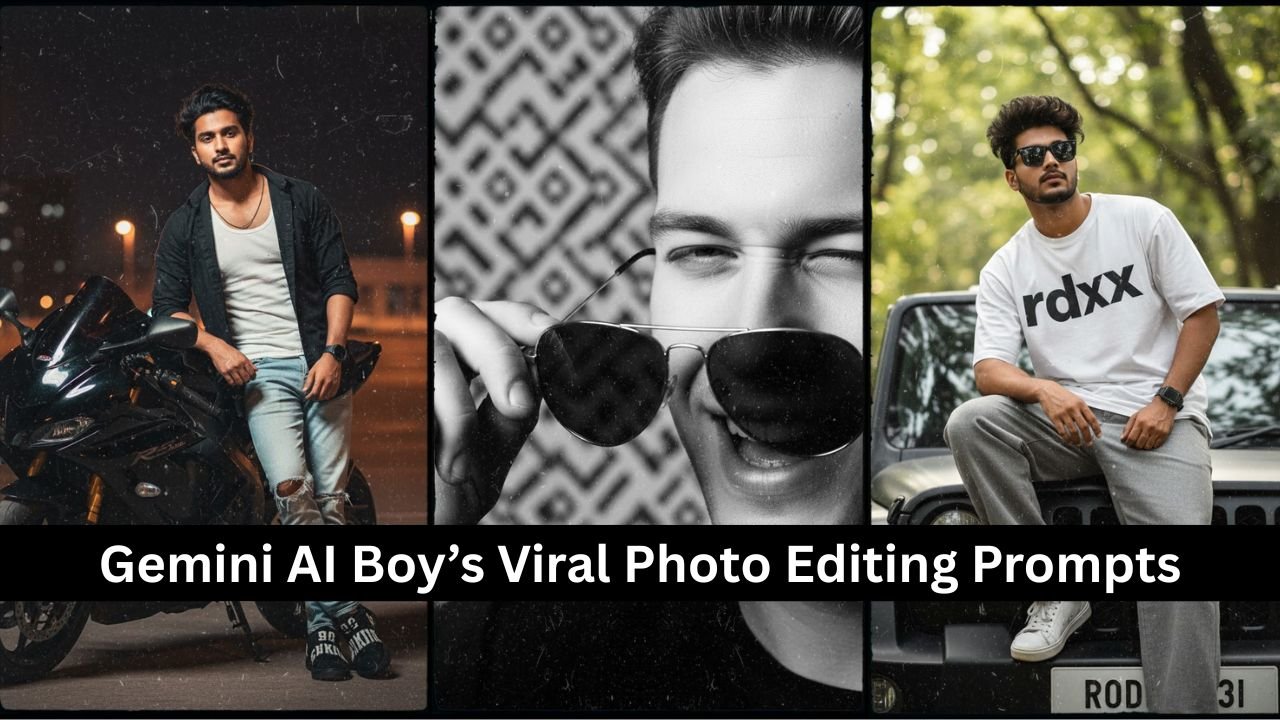
AI photo editing has become a viral trend across social media platforms, and Google Gemini AI is leading the charge. With just a few words, users can transform ordinary selfies into hyper-realistic, cinematic portraits that look like they belong in fashion magazines or movie posters.
For boys, Gemini AI offers a wide range of styling options — from streetwear attitude shots to minimalist indoor portraits. In this article, we’ll explore the most viral Gemini AI photo editing prompts for boys, written in a format that you can copy and paste directly into Gemini to edit your own photo.
How to Use Gemini AI Prompts
- Visit Google Gemini.
- Sign in with your Google account.
- Tap “Create Image” or “Upload Photo.”
- Paste one of the prompts below.
- Submit and wait for your AI-edited image.
- Save and share your result.
Viral Gemini AI Prompts for Boys (Direct Use Format)
1. Stylish Close-Up with Sunglasses
Prompt: Edit my photo as a close-up portrait where I’m holding sunglasses with one hand, blinking my left eye, and giving a confident smile. Make the background black and white patterned, and use dramatic lighting to highlight my face.
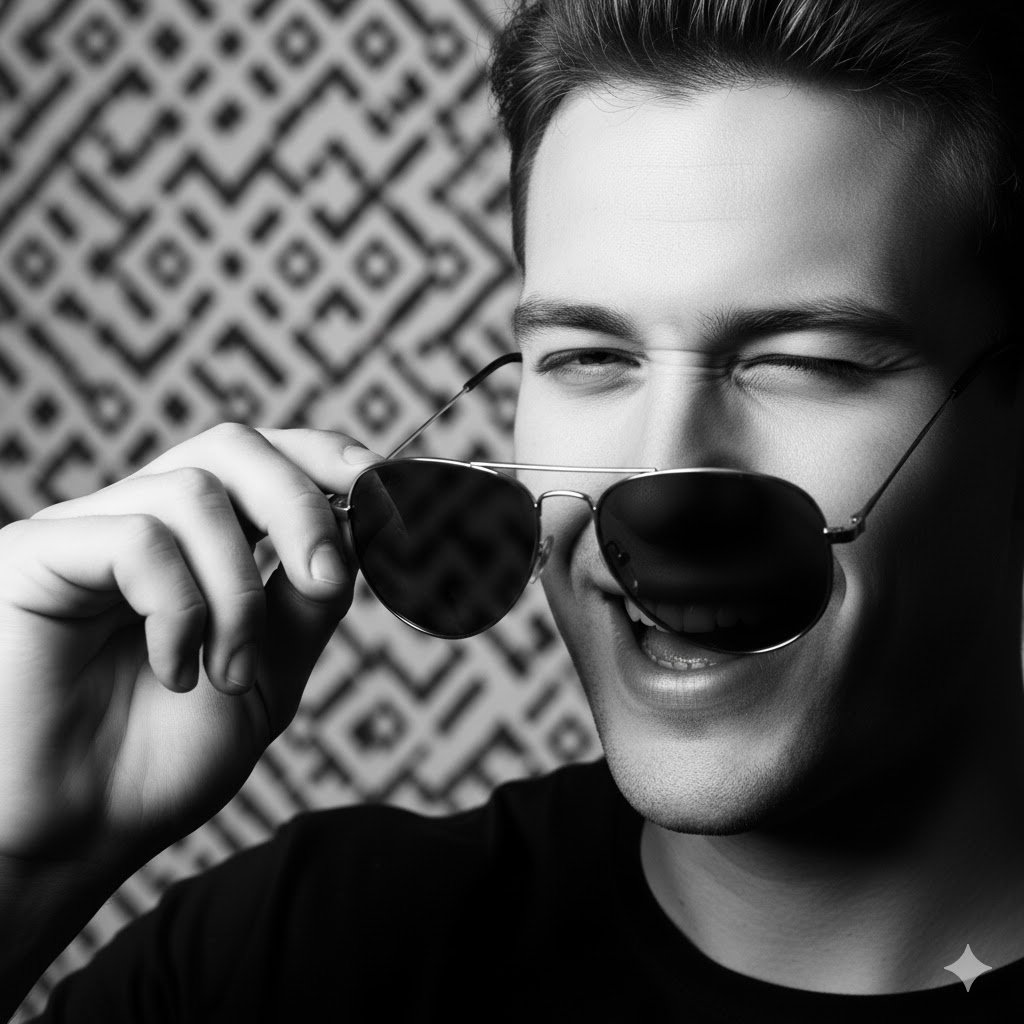
Why It Works: This prompt creates a bold, confident look perfect for Instagram or profile pictures. The dramatic lighting and eye contact add cinematic depth.
2. Urban Fashion Editorial Look
Prompt: Transform my full-body photo into an urban fashion editorial style. I should look like a 20-year-old Gen Z influencer with messy dark hair, sharp jawline, wearing an oversized white shirt, black jeans (no side pockets), white sneakers, and a black smartwatch on my left wrist. Pose me sitting on the road with both hands touching the ground, looking confidently at the camera. Use a blurred hill station background and natural light.
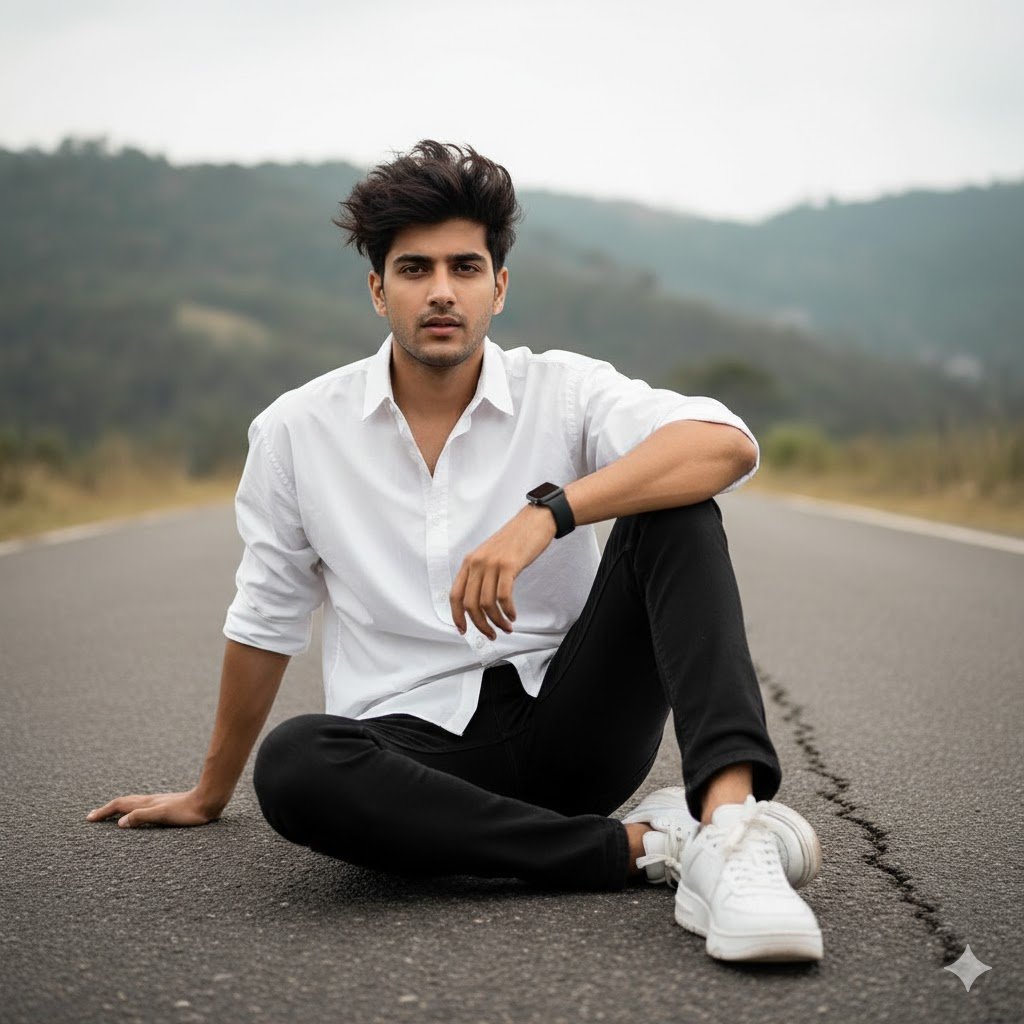
Why It Works: This prompt captures the streetwear aesthetic with a confident pose and influencer vibe. Ideal for fashion reels or Pinterest boards.
3. Attitude Pose on Black Thar
Prompt: Edit my photo to show me sitting stylishly on a black Thar. I’m wearing a khaki oversized white t-shirt with black text ‘rdxx’, grey baggy pants, white sneakers, and a watch on my left hand. Add black sunglasses and messy dark hair. Make the background look like a DSLR blur with trees, and use natural light to give it a bold, high-contrast Gen Z vibe.

Why It Works: Combines rugged vehicle aesthetics with fashion-forward styling. Perfect for boys who want a bold, masculine look.
4. Night Portrait with Motorcycle
Prompt: Make my photo look like I’m leaning casually against a black sport motorcycle in an empty parking lot at night. I’m wearing a white tank top, open black button-up shirt, light-wash ripped jeans, and black sneakers with bold white lettering. Add warm streetlight glow and cinematic lighting.
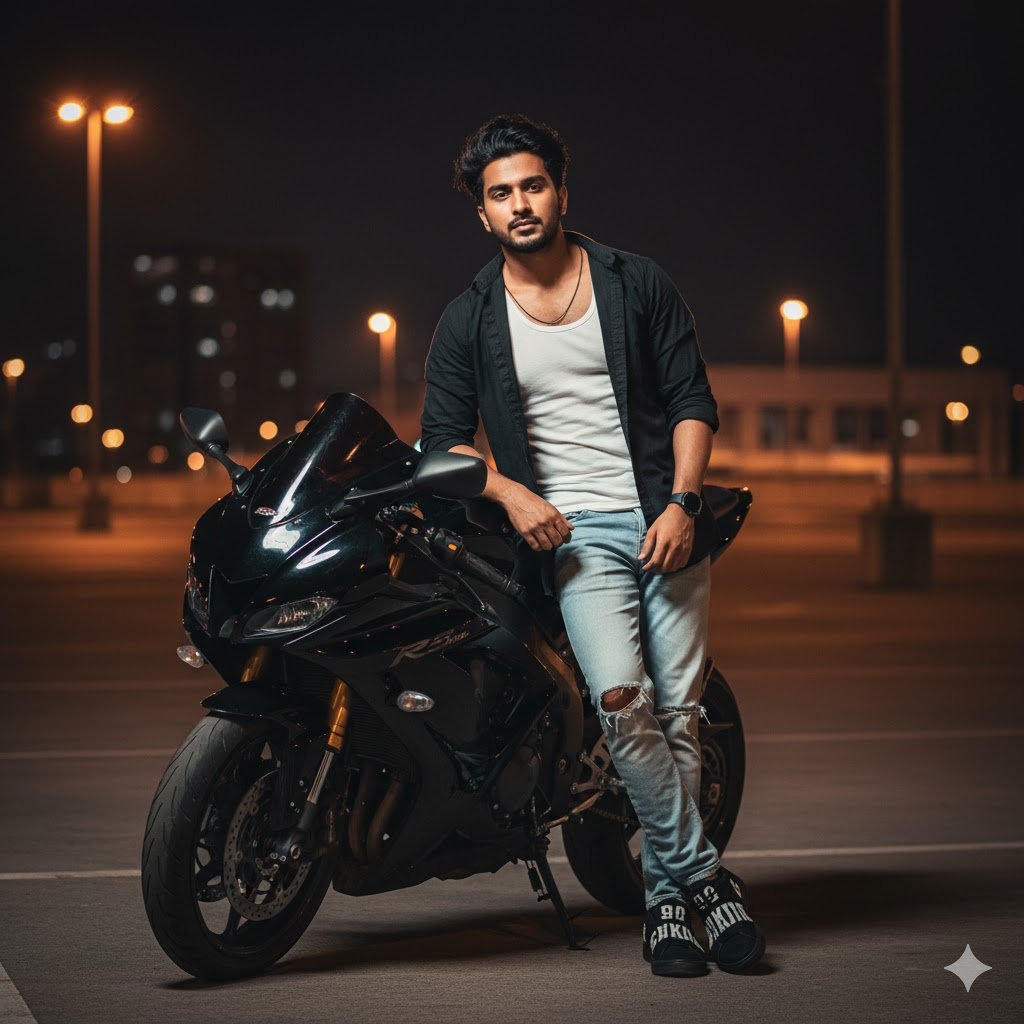
Why It Works: This prompt creates a moody, cinematic vibe with urban night aesthetics. Great for dramatic edits and storytelling visuals.
5. Minimalist Indoor Portrait
Prompt: Edit my full-body photo to show me sitting comfortably on a light-colored floor in a minimalist indoor setting. I’m wearing an oversized white button-up shirt, loose blue jeans, and white sneakers. I’m resting one hand on my cheek and looking gently at the camera. Add a soft circular light on the wall behind me for a clean, relaxed vibe.
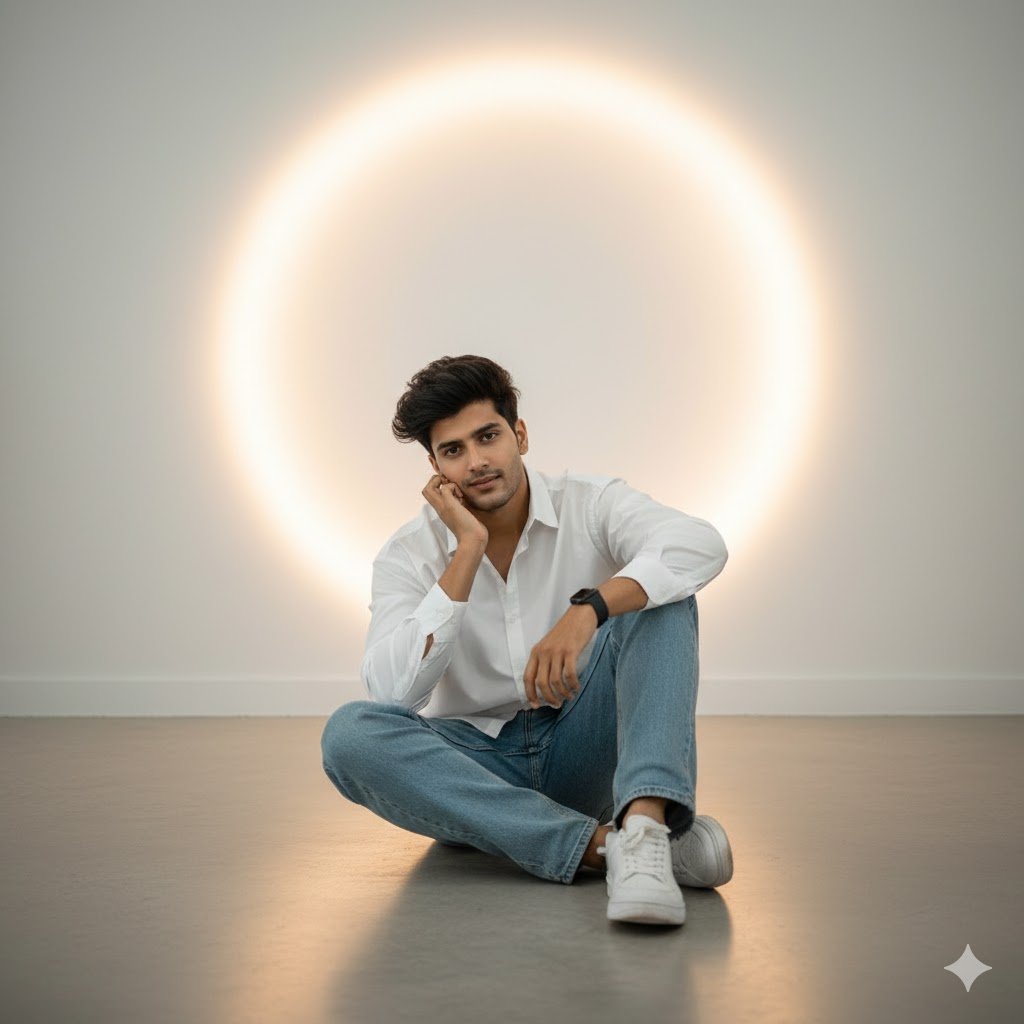
Why It Works: Soft lighting and minimalist styling make this perfect for aesthetic feeds and clean profile layouts.
Bonus Tips for Gemini AI Photo Editing
- Use Descriptive Keywords: Add terms like “cinematic,” “8K,” “realistic,” “editorial,” or “Gen Z aesthetic.”
- Refine Your Pose: Mention hand placement, facial expression, or body angle.
- Customize Backgrounds: Try “blurred hill station,” “neon city,” or “minimalist indoor.”
- Add Accessories: Sunglasses, watches, jackets, or bikes add personality.
- Experiment with Lighting: Use “natural light,” “studio glow,” or “streetlight shadows.”
Why These Prompts Are Going Viral
- Relatable Styling: Prompts reflect current fashion and social media trends.
- High Engagement: Edited photos get more likes, shares, and saves.
- Creative Control: Users can personalize every detail — from outfit to mood.
- Professional Finish: Gemini AI outputs look like DSLR shots with post-processing.
Conclusion
Whether you want a bold streetwear look or a soft editorial portrait, these Gemini AI boy’s viral photo editing prompts give you the creative control to transform your image. Just copy, paste, and let Gemini do the rest.
These prompts are optimized for realism, style, and social media impact — perfect for boys who want to stand out with AI-powered edits.
FAQs
1. Can I use these prompts with any photo?
Yes, but results are best with clear, well-lit images.
2. Do I need to describe myself in the prompt?
Optional — Gemini uses your uploaded photo as the base.
3. Can I change outfits or backgrounds in the prompt?
Absolutely. Just describe what you want in detail.
4. Is Gemini AI free to use?
Yes, but some features may require a Google account or subscription.
5. Can I use these prompts for festival or couple edits?
Yes — just modify the prompt to match the theme or relationship.