
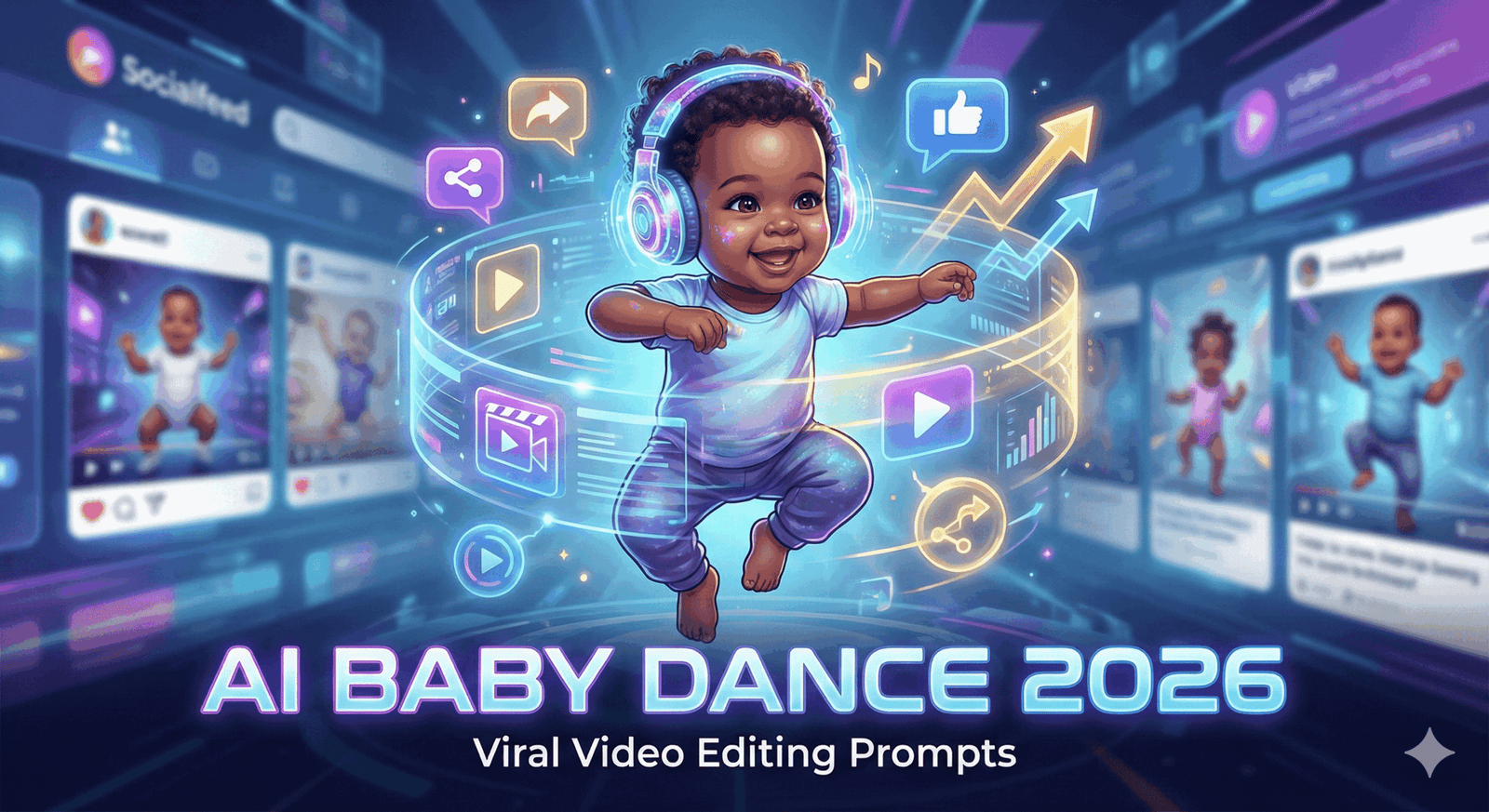
The “Dancing Baby” isn’t just a 90s meme anymore; in 2026, it is a sophisticated, high-engagement genre dominating YouTube Shorts, TikTok, and Instagram Reels. With tools like Viggle AI, Hailuo, and Sora 2 Pro becoming mainstream, creators are no longer just animating photos—they are creating hyper-realistic, cinematic masterpieces.
Here is your complete guide to the prompts, tools, and editing workflows you need to create viral baby dance content this year.
1. The Core “Prompt Engineering” Strategy
To get a viral result, you can’t just type “baby dancing.” You need to specify the Aesthetic, the Camera Movement, and the Lighting.
Trend A: The “Neon Future 2026” (High Energy/Tech)
This style uses cyberpunk aesthetics and high-contrast colors, perfect for upbeat electronic music.
Prompt for Image Generation (Midjourney/Flux/Ideogram): “A hyper-realistic toddler wearing futuristic streetwear and oversized reflective sunglasses, standing in a neon-lit Tokyo alleyway at night. 8k resolution, volumetric lighting, cyan and magenta color palette, cinematic depth of field, sharp focus on the face.”
Prompt for Video Motion (Hailuo/Runway Gen-3): “Camera creates a dynamic low-angle orbit shot. The toddler performs a sharp, rhythmic hip-hop dance. Movements are snappy and energetic. Neon lights reflect off the sunglasses. High temporal consistency, smooth motion blur, 60fps.”
Trend B: The “Cozy Nostalgia” (Wholesome/Soft)
These videos often go viral because they evoke “aww” reactions. They mimic home video footage from the 90s or early 2000s.
Prompt for Image Generation: “A cute baby in a fluffy knitted bear onesie, standing in a sun-drenched living room. Soft morning light, dust motes dancing in the air, vintage film grain, Kodak Portra 400 aesthetic, slightly desaturated warm tones.”
Prompt for Video Motion: “Handheld camera movement, slightly shaky for realism. The baby sways clumsily but adorably to the beat, clapping hands. Soft, natural movement. The fabric of the onesie moves realistically with the body. 35mm film texture.”
Trend C: The “Mini Professional” (Humor/Unexpected)
The juxtaposition of a baby doing professional adult choreography is a guaranteed view-magnet.
Prompt for Image Generation: “A toddler dressed in a miniature tuxedo and polished shoes, standing on a “Got Talent” stage. Stage spotlights, dramatic atmosphere, smoke machine fog on the floor, crowd visible in the dark background.”
Prompt for Video Motion: “Wide shot capturing full body. The baby executes a perfect Michael Jackson style spin and moonwalk. Physics-defying smooth footwork. Spotlight follows the movement. High energy performance.”
2. The 2026 Workflow: From Text to Viral Video
You rarely get a viral video from a single prompt. You need a multi-step workflow.
- Step 1: Generate the “Actor” (Image Gen) Use Midjourney v7 or Flux to create the base character. Tip: Always generate the character in a full-body shot (Aspect Ratio 9:16) to ensure their feet aren’t cut off for the dance.
- Step 2: The Motion Transfer (The Secret Weapon) Don’t rely on generic “make it dance” buttons. Use Viggle AI or DomAI with a specific reference video.
- Find a Reference: Download a video of a specific viral dance (e.g., a trending TikTok dance).
- Apply Motion: Upload your AI baby image and the reference video. The AI will map the baby’s skeleton to the pro dancer’s moves.
- Step 3: Upscale & Refine Raw AI video often has blurry faces. Use a tool like Topaz Video AI or Krea Enhancer to sharpen facial features and remove the “AI shimmer.”
3. Viral Editing Tips for 2026
- The “Hook” Edit: Start the video immediately with the most complex move. Do not have a 3-second intro.
- Audio Sync: In 2026, “Motion Sync” tools are essential. Ensure the baby’s footfalls hit the bass of the track perfectly.
- Looping: Edit the timeline so the last frame matches the first frame. Infinite loops increase “Watch Time,” a key metric for the YouTube algorithm.
- Reaction Overlay: A popular format is adding a “Live Reaction” overlay of a famous character or even yourself reacting to the “talent” of the baby.
Summary of Tools to Use
- Best for Character Creation: Midjourney / Ideogram
- Best for Dance Motion: Viggle AI (Free/Paid tiers available)
- Best for Realistic Backgrounds: Hailuo AI (MiniMax)
- Best for Upscaling: Topaz Video AI