
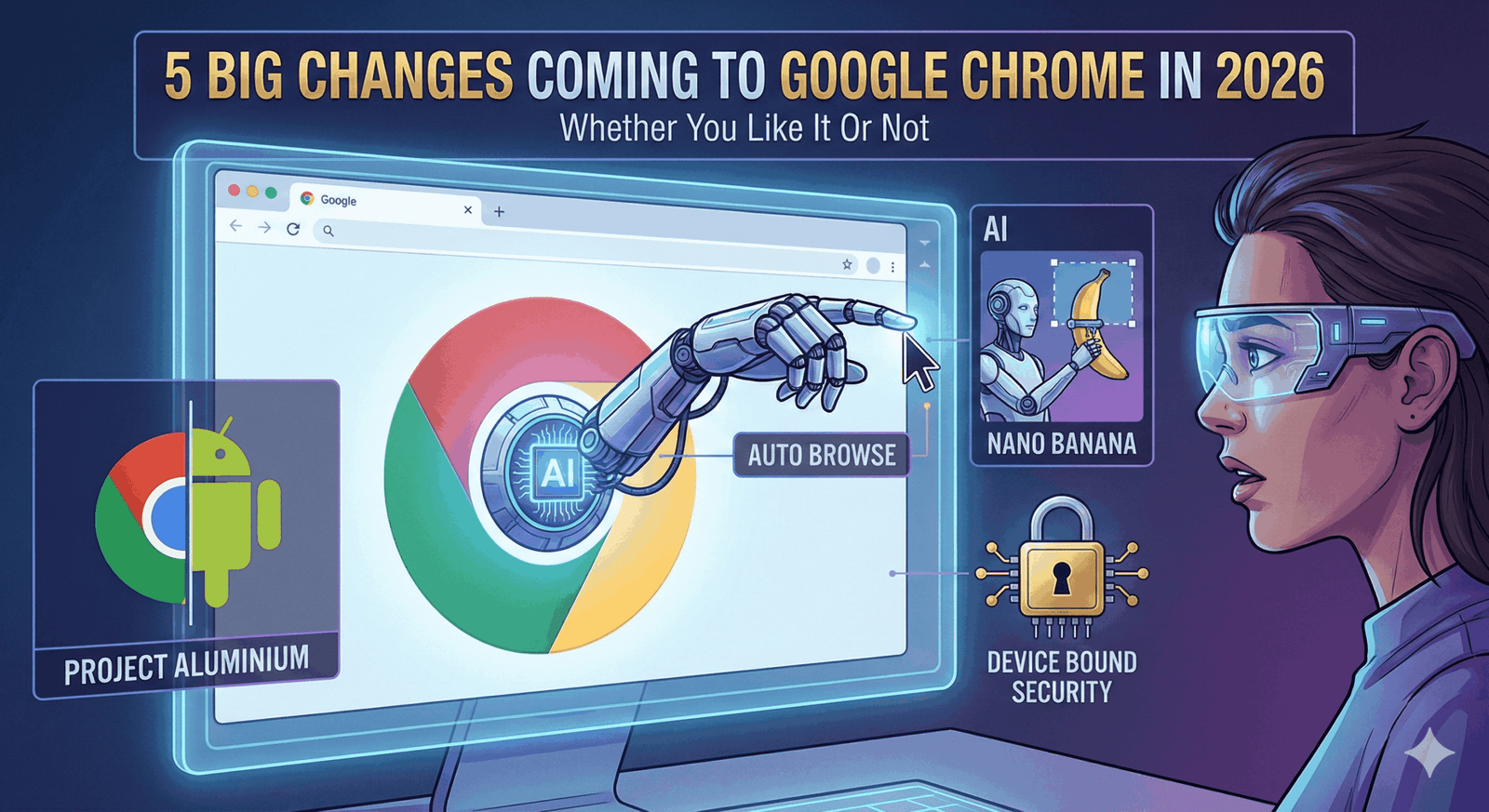
If you thought the browser wars were over, think again. For years, Google Chrome updates have been relatively boring—security patches here, a rounded corner there. But 2026 marks a radical shift in philosophy for the world’s most popular browser.
Driven by the desperate race to win the AI war and a fundamental restructuring of Google’s operating systems, Chrome is about to change from a passive window into the web into an active “agent” that does things for you.
Some of these changes will save you hours. Others might make privacy advocates scream. Here are the five massive changes coming to Google Chrome in 2026.
1. “Auto Browse” (The Browser Takes the Wheel)
The most headline-grabbing feature of 2026 is the introduction of Auto Browse, powered by Google’s Gemini 3 model.
- What it is: This is “Agentic AI” living in your browser. Instead of you clicking through ten pages to find a flight or fill out a complex tax form, you give Chrome a prompt like “Find me a hotel in Chicago under $200 for next weekend and fill out the booking form.” Chrome then physically navigates the web, clicks the buttons, and types the text for you while you watch.
- The Controversy: While undeniably cool, this requires giving Google’s AI unprecedented permission to act on your behalf. It effectively turns the browser into a “user” that can spend money or sign contracts (with your final approval, of course).
- Who gets it: Initially rolling out to AI Premium subscribers in early 2026, but expected to trickle down to free users with limits.
2. The “Aluminium” Shift: ChromeOS Merges with Android
This is less of a browser update and more of an existential shift. Leaks from early 2026 have confirmed that Google is working on a project codenamed “Aluminium”—a massive effort to merge ChromeOS and Android into a single, unified desktop operating system.
- The Impact: If you use a Chromebook, your “Chrome” experience is about to get a lot more “Android.” Expect a redesigned status bar, window management that mimics high-end Android tablets, and finally, native support for Chrome extensions on Android-style interfaces.
- Why it matters: Google is tired of maintaining two operating systems. 2026 is the year your Chromebook starts feeling less like a laptop and more like a powerful Pixel tablet with a keyboard.
3. “Nano Banana” & The Creative Sidebar
Google has a history of weird codenames, and “Nano Banana” is one for the books. This feature integrates high-speed, local AI image generation directly into the browser.
- What it does: Instead of opening Photoshop or Canva, you can right-click an image in Chrome and ask the built-in AI to “Make the background blue” or “Remove the person on the left.” It happens instantly, inside the browser window.
- The Privacy Angle: Because this uses the “Nano” version of Gemini, much of this processing happens on-device rather than in the cloud, making it faster and more private than previous tools.
4. “Personal Intelligence” (Chrome Reads Your Mind)
In 2026, Chrome stops pretending it doesn’t know who you are. The new Personal Intelligence integration connects the browser directly to your Gmail, Calendar, Docs, and Drive.
- The Feature: You can open the Gemini Side Panel and ask, “When is my flight, and what is the weather there?” Chrome pulls the flight data from your private Gmail and the weather from Google Search, combining them into one answer without you ever opening a new tab.
- The “Whether You Like It Or Not” Part: While Google promises strict privacy controls, having your browser intimately aware of your private emails and schedule is a level of integration that will make privacy-conscious users uncomfortable.
5. Device Bound Session Credentials (DBSC): The End of Cookie Theft?
This is the invisible change that might annoy you the most.
- The Problem: For years, hackers have been stealing “session cookies” to break into accounts even if you have Two-Factor Authentication (2FA) enabled.
- The Fix: DBSC binds your login session to your specific physical device using encryption keys stored on your computer’s security chip (TPM).
- The Annoyance: If you are a power user who likes to copy cookies between browsers or use portable browser versions on USB sticks, those days are over. Your login is now married to your hardware. It’s a massive win for security, but a loss for “hacky” portability.
The Verdict
In 2026, Chrome is no longer just a tool to view the internet; it is an AI assistant that lives on top of it. If you are deeply integrated into the Google ecosystem, these changes will make you superhumanly productive. If you prefer a lightweight, dumb browser that doesn’t read your email or book your hotels, 2026 might be the year you finally switch to Firefox.