
The most expensive part of traveling isn’t always the flight ticket. It’s the “death by a thousand cuts” that happens once you land.
A $5 ATM fee here, a $40 overpriced tourist lunch there, and $15 a day for data roaming. Before you know it, your budget is blown. But in 2026, your smartphone can be the ultimate financial shield.
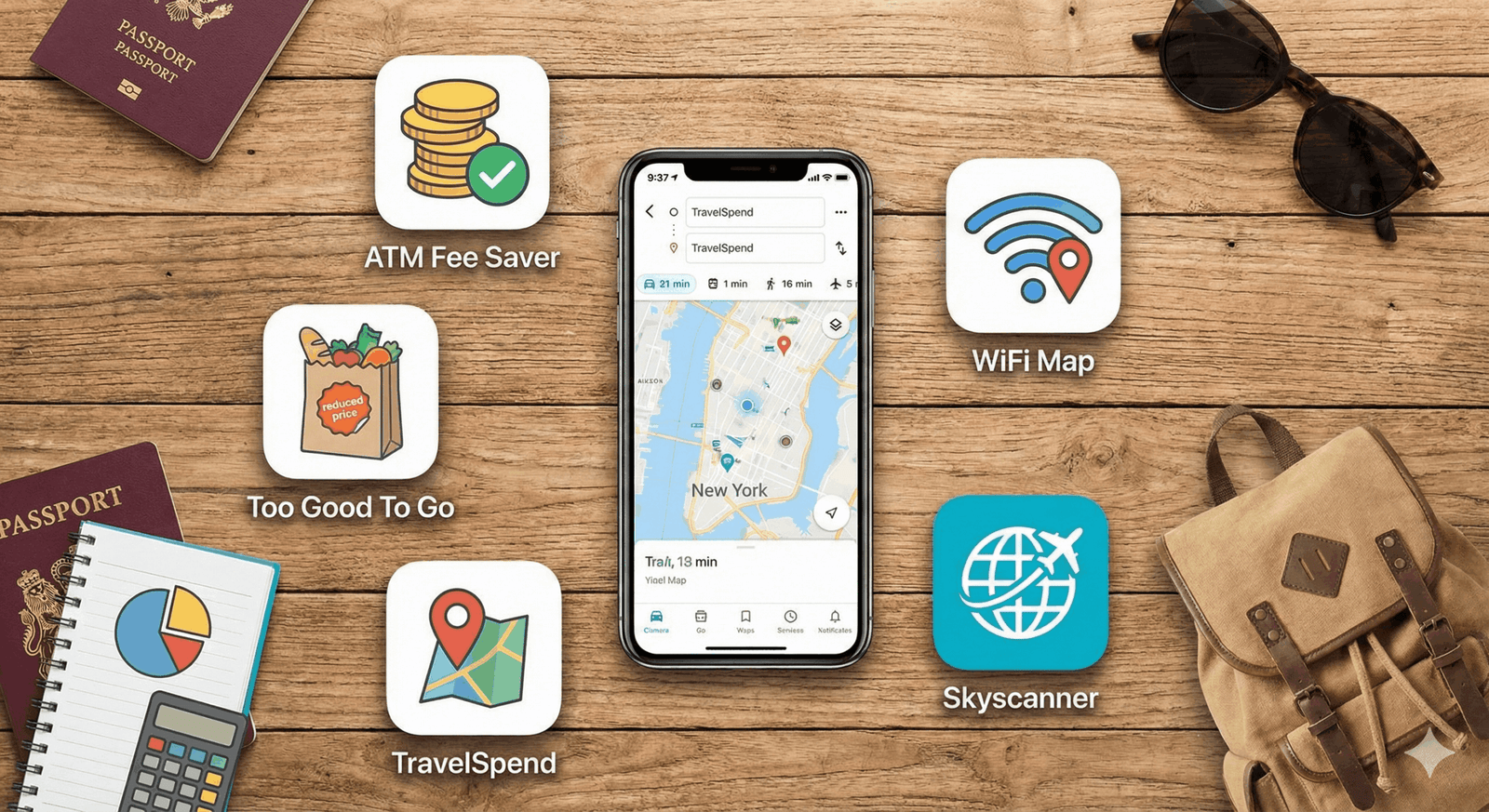
Beyond the obvious choices like Google Maps, a new wave of utility apps has emerged specifically to protect your wallet. Here are 5 free apps that will genuinely save you hundreds of dollars on your next trip.
1. ATM Fee Saver: Stop Burning Cash at the Machine
If you travel internationally, you know the pain. You withdraw $50 of local currency, and the machine charges you a $7 “access fee,” plus a terrible exchange rate.
- What it does: This brilliant, no-nonsense app uses your GPS to show you a map of every ATM nearby. Crucially, it color-codes them based on fees: Green for free, Yellow for low fee, and Red for “avoid at all costs.”
- Why it saves money: In countries like Thailand, Spain, or Mexico, ATM fees can range from $0 to $10 per transaction. This app guides you to the specific bank that charges $0. Over a two-week trip, this alone can save you $50–$60.
- Download for: [iOS] | [Android]
2. Too Good To Go: Eat Like a King for $5
Food is often the biggest variable in a travel budget. Eating out three times a day adds up fast, but grocery store sandwiches get depressing.
- What it does: Restaurants, bakeries, and hotels list their “surplus” food on this app at the end of the day. You buy a “Magic Bag” for roughly 1/3 of the original price (usually $4–$6).
- Why it saves money: You can score a bag of high-end pastries, a full sushi lunch, or a hotel buffet box for the price of a coffee. It’s perfect for a cheap hotel picnic or a budget-friendly breakfast. Plus, you are helping reduce global food waste.
- Pro Tip: Check the app around 2:00 PM to snag the best dinner options before they sell out.
3. TravelSpend: The Reality Check for Your Wallet
Most people don’t realize they are over budget until they get their credit card bill a month later.
- What it does: TravelSpend is an expense tracker designed specifically for travelers. It works offline (no data needed) and automatically converts any expense from the local currency to your home currency.
- Why it saves money: It visualizes your spending in real-time. If you set a daily limit of $50, the app turns red when you hit $45. This psychological “nudge” is often enough to make you skip that second cocktail and save your budget.
- Best Feature: The “Split Costs” function is excellent for group trips, calculating who owes who without the arguments.
4. WiFi Map: The End of Expensive Roaming
Data roaming plans are convenient, but they are rarely cheap. Even “affordable” eSims can cost $20 for a few gigabytes.
- What it does: This isn’t just a list of open networks. It’s a crowdsourced database of over 100 million WiFi hotspots including passwords shared by other users.
- Why it saves money: Instead of burning your paid data to upload photos or download maps, you can find the nearest café or public square with high-speed, free WiFi. It also includes an eSIM feature if you get desperate, but the free WiFi finder is the star of the show.
5. Skyscanner: The “Everywhere” Trick
You probably know Skyscanner, but are you using its most powerful money-saving feature?
- The Feature: The “Explore Everywhere” search.
- Why it saves money: If you are flexible, enter your home airport and type “Everywhere” in the destination box. It will rank every country in the world by price.
- Real World Example: You might be thinking of a trip to France (flights ~$800). Skyscanner might show you that flights to Portugal are currently $350. By letting the price dictate the destination, you save massive amounts on the biggest ticket item of your trip.
Bonus Mention: Organic Maps
Google Maps is great, but it sucks data and battery. Organic Maps is a privacy-focused, offline map app. You download the entire country while on WiFi, and then you have full turn-by-turn navigation without using a single KB of data. It’s perfect for hiking or road trips where signal is spotty.