
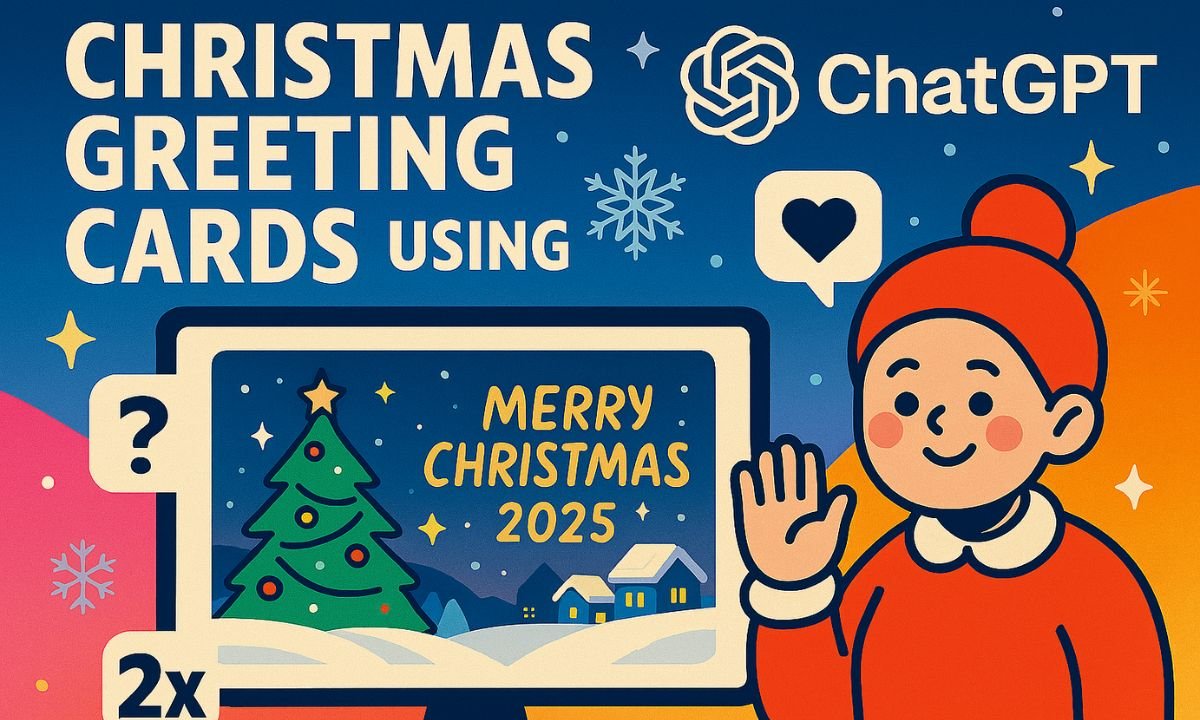
Christmas is a season of connection, gratitude, and celebration. With ChatGPT, you can design heartfelt greeting cards that combine custom messages and festive visuals—without needing design software or artistic skills. Whether you’re sending love to family, appreciation to clients, or cheer to friends, ChatGPT makes it easy to create cards that feel personal and joyful.
Step-by-Step Guide to Creating Christmas Cards
1. Craft a Heartfelt Message
Start by asking ChatGPT to write a greeting tailored to your audience. Prompt example:
“Write a warm Christmas message for a close friend, with humor and gratitude.”
You can request poetic, religious, minimalist, or professional tones depending on your recipient.
2. Describe the Visual Style
Once your message is ready, describe the kind of image you want. Prompt example:
“Create a landscape image of a snowy village with twinkling lights, a Christmas tree, and ‘Merry Christmas 2025’ in gold script.”
ChatGPT will generate an image using built-in tools based on your description.
3. Combine Text and Image
You can overlay your message on the image using free tools like Canva, Pixelcut, or Fotor. Alternatively, include the greeting directly in the image prompt for a fully composed card.
4. Customize for Different Recipients
Tailor each card by adjusting tone, colors, and symbols:
- Family: cozy scenes, heartfelt messages
- Clients: elegant design, professional tone
- Kids: cartoon style, bright colors, playful fonts
- Religious: nativity scenes, spiritual blessings
5. Download and Share
Once your card is ready, download it and share via email, WhatsApp, or print it for physical delivery.
Tips for Better Results
- Use specific prompts for both message and image
- Keep messages under 50 words for visual clarity
- Choose landscape orientation for better compatibility
- Include the year (“2025”) for seasonal relevance
- Mention color palettes and art styles (e.g., watercolor, retro, 3D)
Frequently Asked Questions
1. Can ChatGPT create Christmas cards with images?
Yes. ChatGPT can generate festive image prompts that produce visuals using built-in tools like DALL·E.
2. What kind of Christmas messages can ChatGPT write?
You can request warm, humorous, religious, poetic, or professional greetings tailored to your audience.
3. Do I need design skills to make cards in ChatGPT?
No. You simply describe your message and visual preferences—ChatGPT handles the writing and image generation.
4. Can I customize cards for different people?
Absolutely. You can tailor tone, style, and imagery for family, friends, colleagues, or clients.
5. How do I add the message to the image?
Either include the greeting in the image prompt or use free tools like Canva or Pixelcut to overlay text manually.
Conclusion
Creating Christmas greeting cards in ChatGPT is a joyful, creative process. With just a few prompts, you can generate messages and visuals that reflect your personality and warmth. Whether you’re celebrating with loved ones or reaching out professionally, these AI-powered cards help you share the spirit of the season with style and ease.