
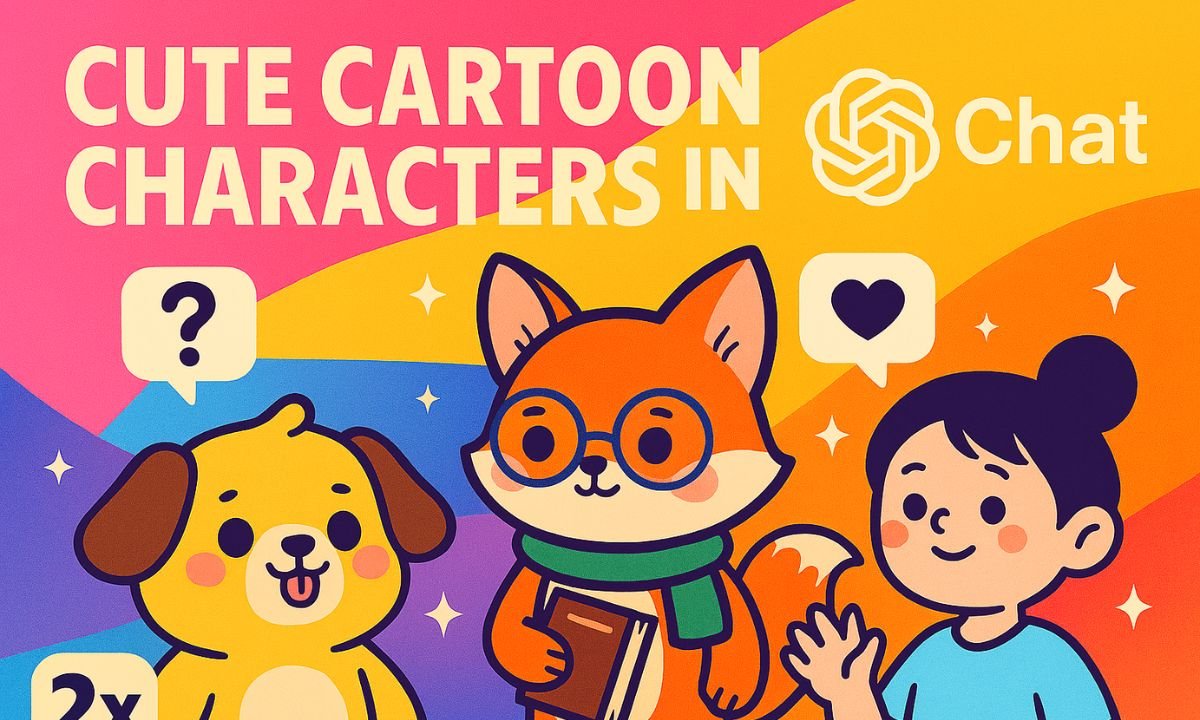
Whether you’re building a comic, designing a mascot, or just having fun, ChatGPT makes it easy to create adorable cartoon characters. With the right prompts, you can generate unique personalities, visual styles, and even full illustrations—no drawing skills required. From whimsical animals to quirky humans, ChatGPT helps you turn imagination into art.
Step-by-Step Guide to Creating Cartoon Characters
1. Define the Character Concept
Start by brainstorming the basics:
- Species: Bunny, robot, dragon, alien, etc.
- Age & personality: Shy child, mischievous teen, wise elder
- Style: Chibi, Pixar-like, anime, hand-drawn, 3D
Prompt example:
“Create a cute cartoon fox character who wears glasses, loves books, and has a shy personality.”
2. Add Visual Details
Include colors, clothing, accessories, and expressions. Prompt example:
“Generate an image of a chibi-style fox with orange fur, round glasses, a green scarf, and a stack of books.”
3. Choose an Art Style
Specify the aesthetic you want:
- Studio Ghibli: Soft, nature-inspired
- Retro pixel art: Game-style charm
- Watercolor sketch: Gentle and artistic
- South Park or Simpsons: Bold and humorous
Prompt example:
“Draw a cartoon cat in Studio Ghibli style with big eyes and a dreamy background.”
4. Use ChatGPT’s Image Generation
Once your prompt is ready, ChatGPT can generate the image using built-in tools. You can refine the result by adjusting the prompt or requesting variations.
5. Expand the Character’s World
ChatGPT can also help you:
- Write backstories
- Create dialogue or catchphrases
- Design side characters or settings
- Build comic panels or animated scenes
Tips for Better Results
- Be specific with traits and style
- Use emotion words like “cheerful,” “curious,” or “grumpy”
- Mention color palettes and accessories
- Try multiple styles to find your favorite look
- Save your favorite prompts for reuse or remixing
Frequently Asked Questions
1. Can ChatGPT create cartoon characters with images?
Yes. ChatGPT can generate image prompts that produce cartoon-style visuals using built-in tools like DALL·E.
2. What kind of cartoon characters can I create?
You can create animals, humans, robots, fantasy creatures, or hybrids—styled as chibi, anime, Pixar-like, or hand-drawn.
3. Do I need drawing skills to use ChatGPT for this?
No. You only need to describe your character’s traits, style, and personality—ChatGPT handles the rest.
4. How do I describe a character for best results?
Include species, age, personality, colors, clothing, accessories, and preferred art style in your prompt.
5. Can I create multiple characters for a story or comic?
Absolutely. ChatGPT can help you design side characters, write backstories, and even generate dialogue or scenes.
Conclusion
Creating cute cartoon characters in ChatGPT is a blend of imagination and precision. By describing your character’s traits, style, and personality, you can generate visuals that feel alive and expressive. Whether you’re a hobbyist or a content creator, this process unlocks endless possibilities for storytelling and design.