
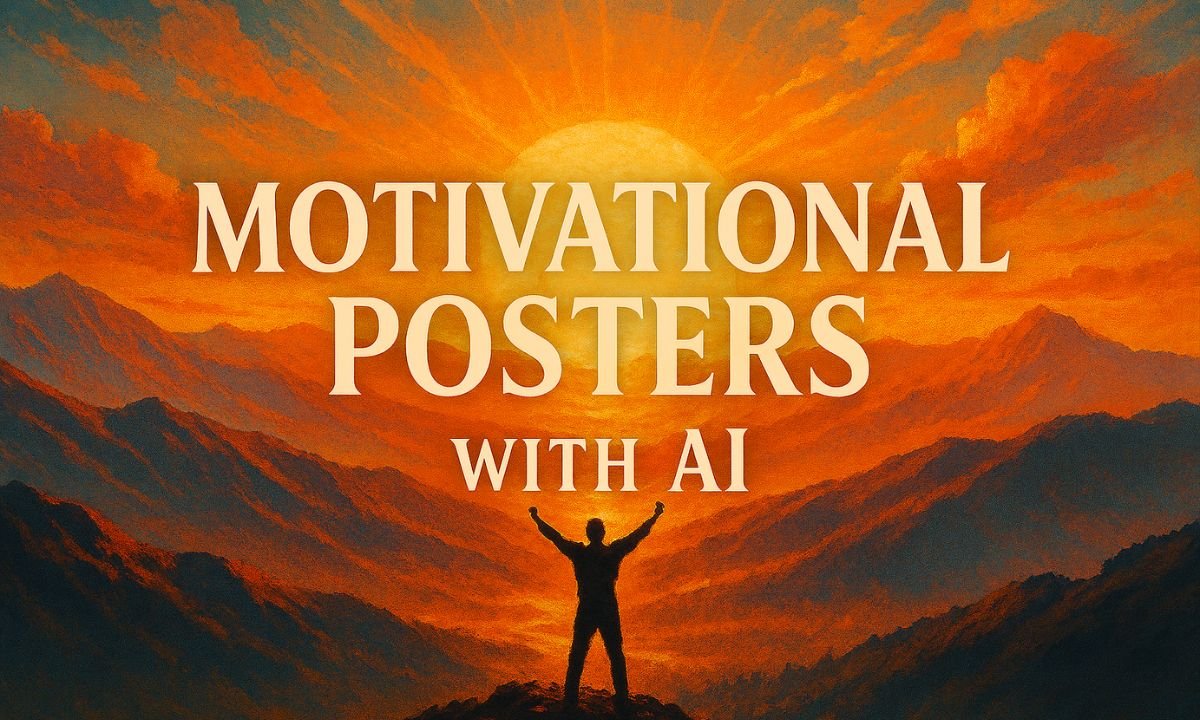
Step-by-step guide for creators, marketers, and educators
Motivational posters have evolved from office walls to viral social media assets. With AI, you can now generate custom visuals and typography that match your message perfectly—no design skills required. Whether you’re building a brand, running a campaign, or just sharing positivity, AI tools make poster creation fast, flexible, and impactful.
Step-by-Step Workflow
1. Choose Your AI Tool
- Midjourney: Best for artistic, cinematic backgrounds. Use Discord-based prompts.
- Adobe Firefly: Ideal for clean, brand-safe visuals with integrated text effects.
- Ideogram: Excels at generating legible, styled text directly in images.
- Canva Magic Media: Great for beginners; combines AI visuals with editable templates.
- Pixelcut Motivational Poster Generator: Designed specifically for quote-based posters.
2. Craft Your Prompt
Include both the visual scene and the quote. Example:
“A sunrise over mountains with the quote ‘Rise and Shine’ in bold serif font.”
Tips:
- Be specific about mood, colors, and font style.
- Use modifiers like “cinematic lighting,” “minimalist layout,” or “vintage texture.”
3. Generate and Refine
- Run the prompt in your chosen tool.
- If the text isn’t clear, try Ideogram or Canva for better typography control.
- Adjust aspect ratio (e.g., 3:2 or 4:5) for poster-friendly dimensions.
4. Download and Use
- Export as high-resolution PNG or JPG.
- Use for social media, print, presentations, or digital campaigns.
- Frame it, share it, or schedule it as part of your content calendar.
Best Practices
- Keep quotes short and powerful: 5–10 words work best.
- Match tone and visuals: Don’t pair a serious quote with playful imagery.
- Use consistent branding: Stick to your brand’s fonts and colors if applicable.
- Test different styles: Try minimalist, vintage, or surreal backgrounds to see what resonates.
Use Cases
- Social media inspiration posts
- Office or classroom decor
- Email campaigns and newsletters
- Personal growth journals or planners
- Event branding and signage
Frequently Asked Questions
1. Which AI tools are best for creating motivational posters?
Midjourney, Adobe Firefly, Ideogram, Canva Magic Media, and Pixelcut are popular choices depending on your need for visuals, typography, or layout control.
2. Can AI generate both the image and the quote?
Yes. You can prompt AI to generate a visual scene and overlay a quote, though tools like Ideogram and Canva offer better control over text placement and style.
3. How do I make sure the text is readable in the poster?
Use high-contrast colors, specify font styles in your prompt, and choose tools that support text rendering like Ideogram or Canva.
4. What aspect ratio should I use for posters?
Common poster ratios include 3:2, 4:5, and 2:3. For social media, square (1:1) or vertical (4:5) formats work well.
5. Can I use AI-generated posters commercially?
Yes, but check the licensing terms of the platform you use. Adobe Firefly offers brand-safe outputs; Midjourney requires license review.