
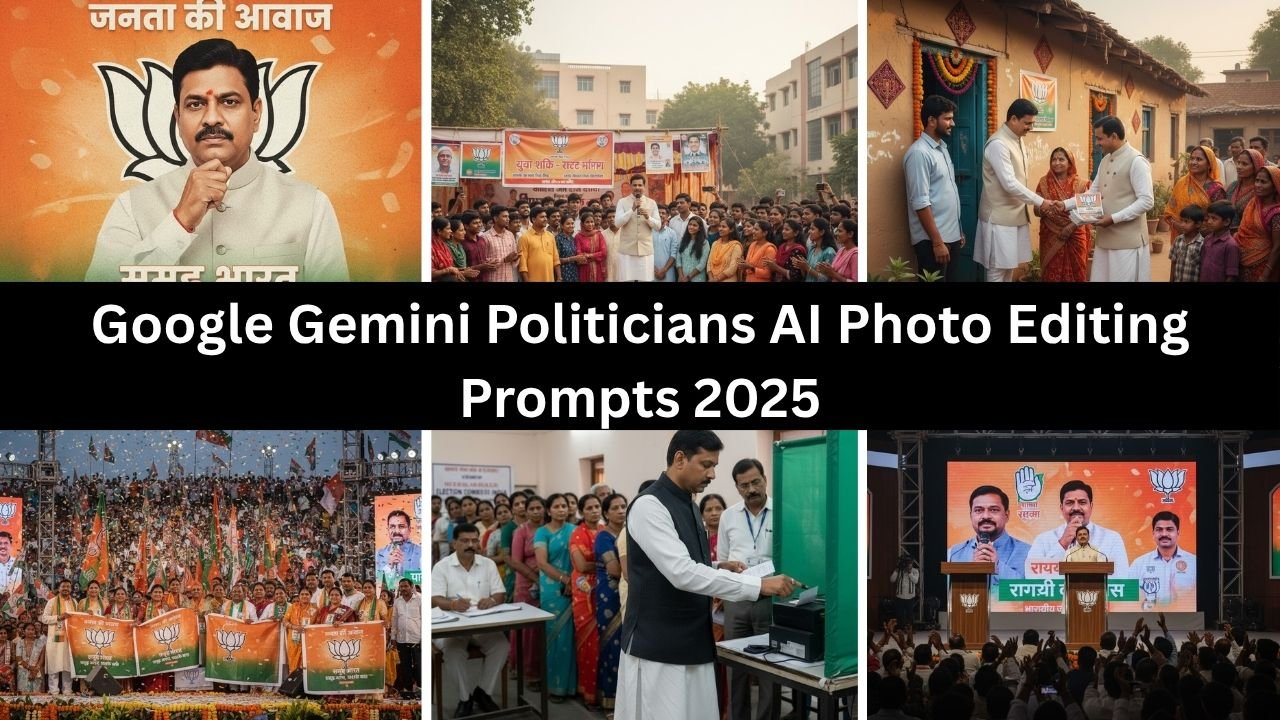
The 2025 election season in India is buzzing with energy, and political campaigns are increasingly turning to AI-powered visuals to connect with voters. With Google Gemini AI photo editing, campaign teams, supporters, and content creators can design realistic, campaign-style images that capture the spirit of rallies, posters, and grassroots movements.
This article shares safe, creative, and professional AI prompts for election-themed photo edits that can be adapted for RJD, BJP, JSP, or any political party context.
Why Use AI Photo Editing for Election Campaigns?
- Visual Impact: Campaigns rely heavily on posters, banners, and social media graphics.
- Customization: AI prompts allow quick adaptation to different party colors, slogans, and themes.
- Engagement: Supporters can create personalized visuals for rallies and online campaigns.
Best Google Gemini Election Photo Editing Prompts 2025
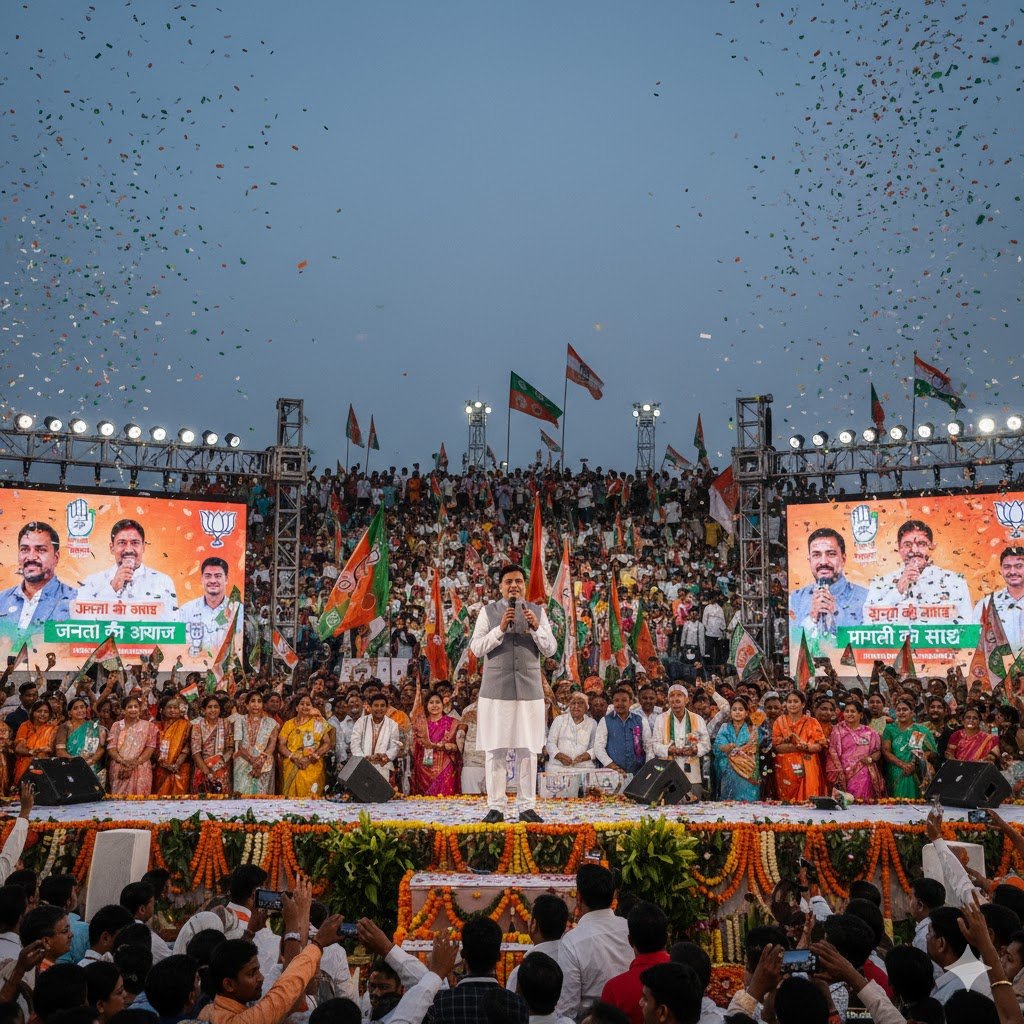
1. Campaign Rally Atmosphere
“Edit my photo to look like I am standing on a stage at a massive election rally, with thousands of supporters holding party flags and banners in the background.”
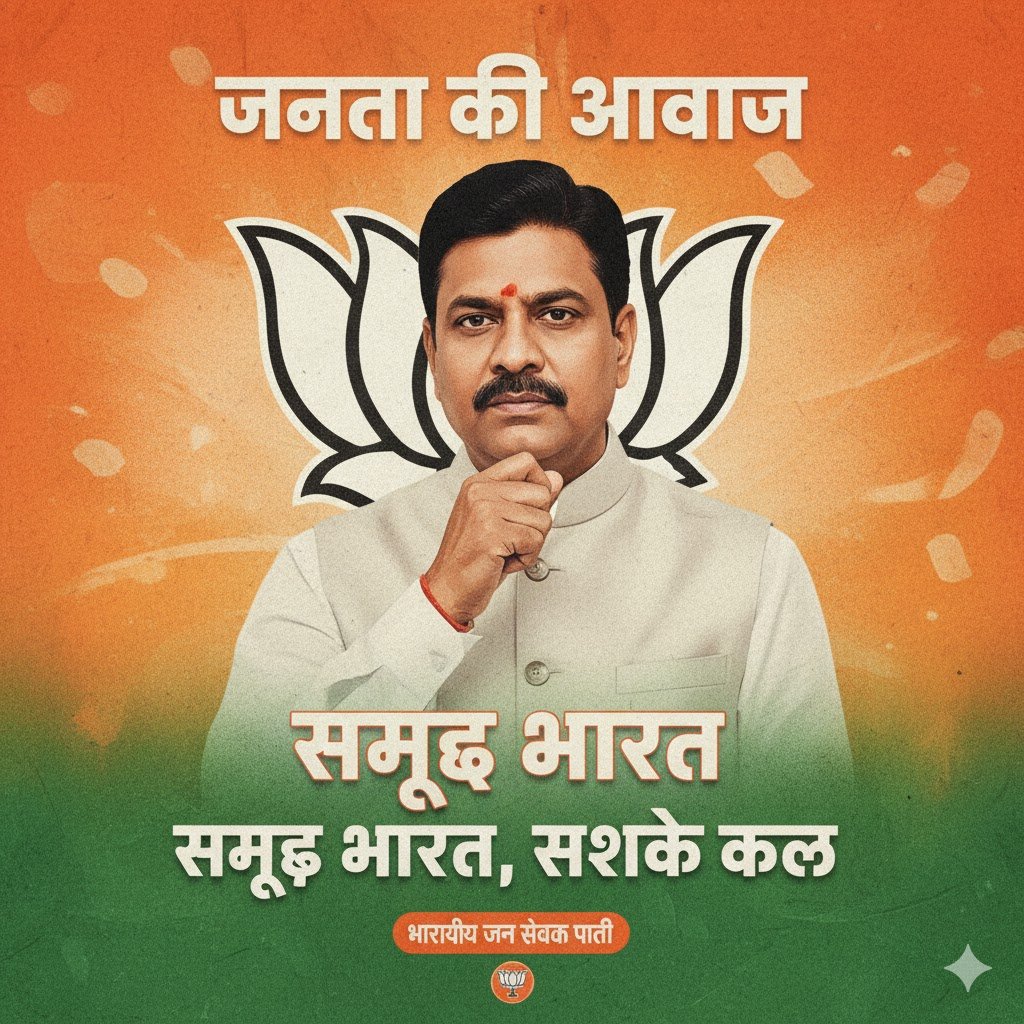
2. Poster-Style Edit
“Transform my portrait into a political campaign poster with bold text, party colors, and a motivational slogan in the background.”
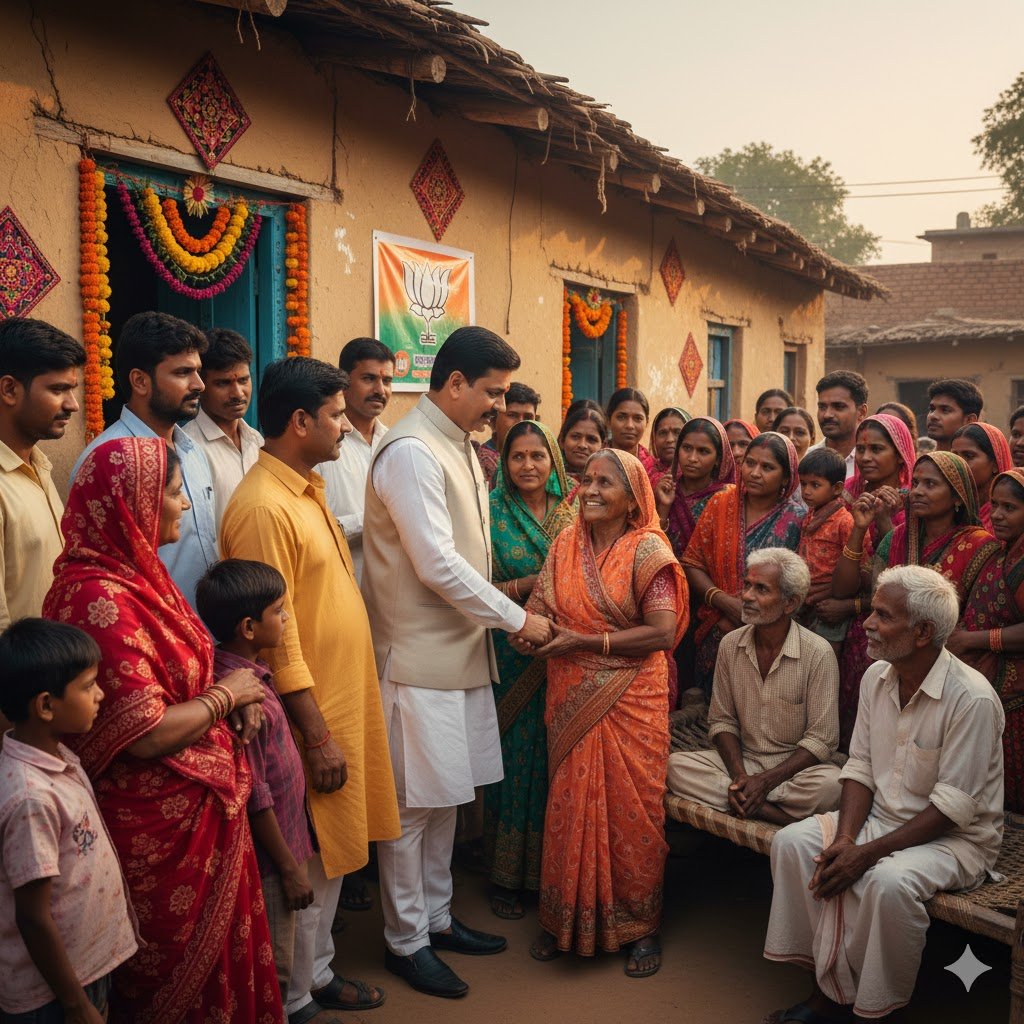
3. Grassroots Connection
“Make my photo look like I am interacting with local villagers during an election campaign, with people gathered around and traditional decorations visible.”
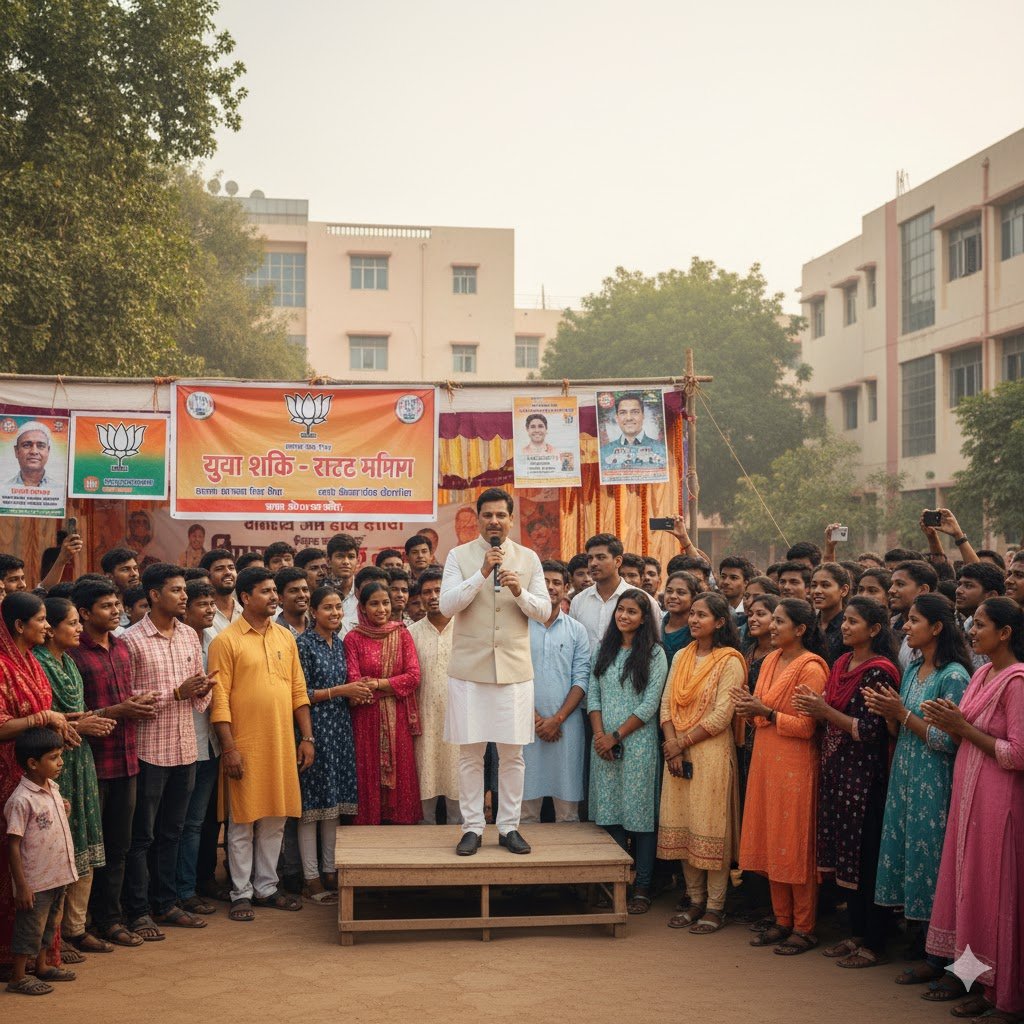
4. Youth Engagement Scene
“Edit my photo so it looks like I am addressing a group of young students at a campus event, with banners and campaign posters in the background.”
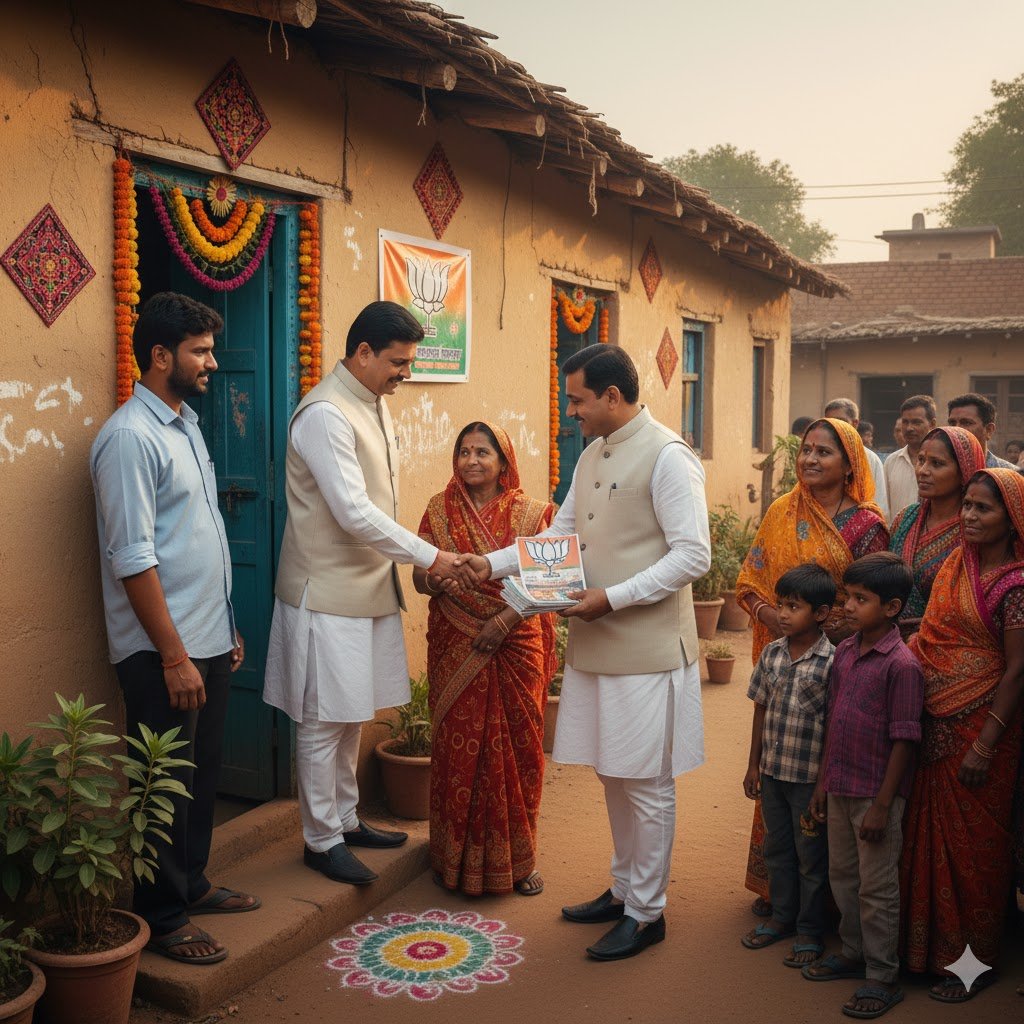
5. Door-to-Door Campaigning
“Turn my photo into a scene where I am meeting families at their doorstep, shaking hands, and distributing campaign leaflets.”
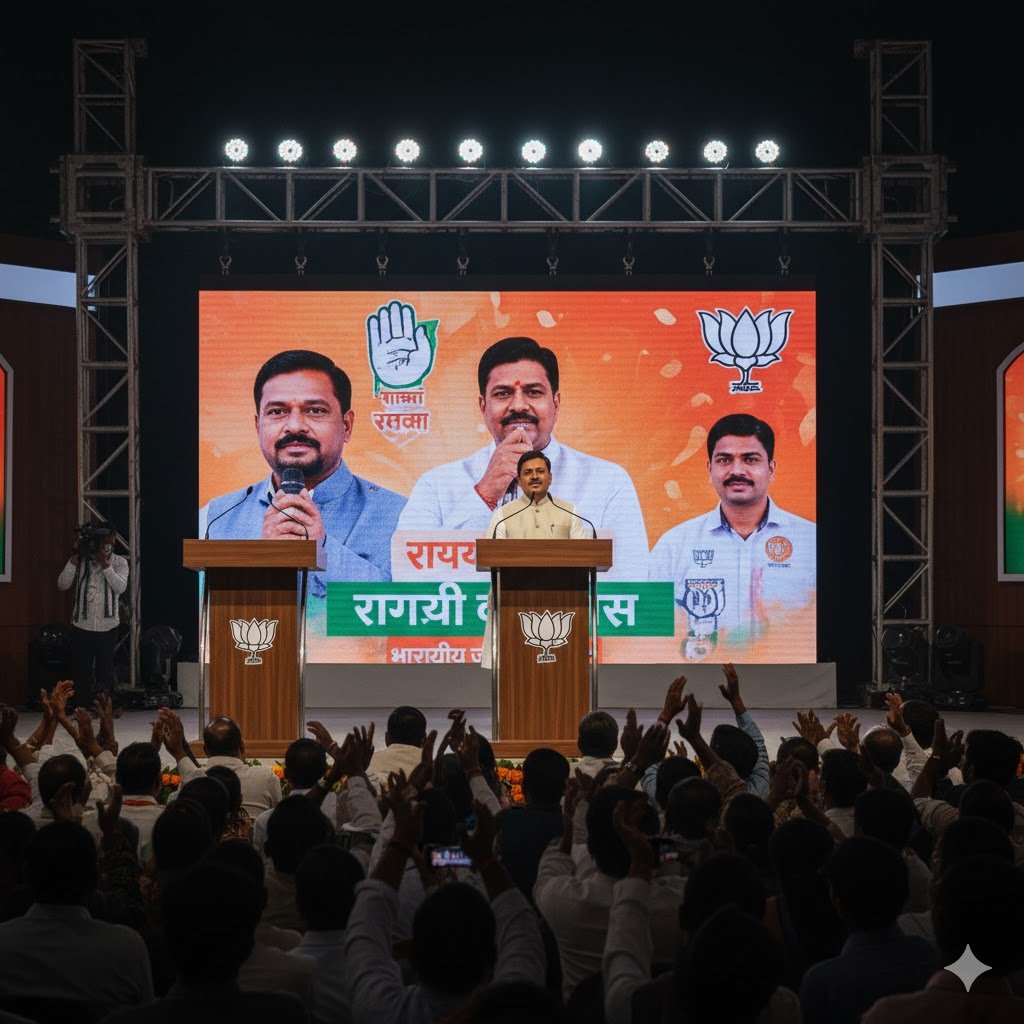
6. Debate or Speech Setting
“Edit my photo to look like I am delivering a speech at a televised election debate, with podiums, microphones, and a large audience.”
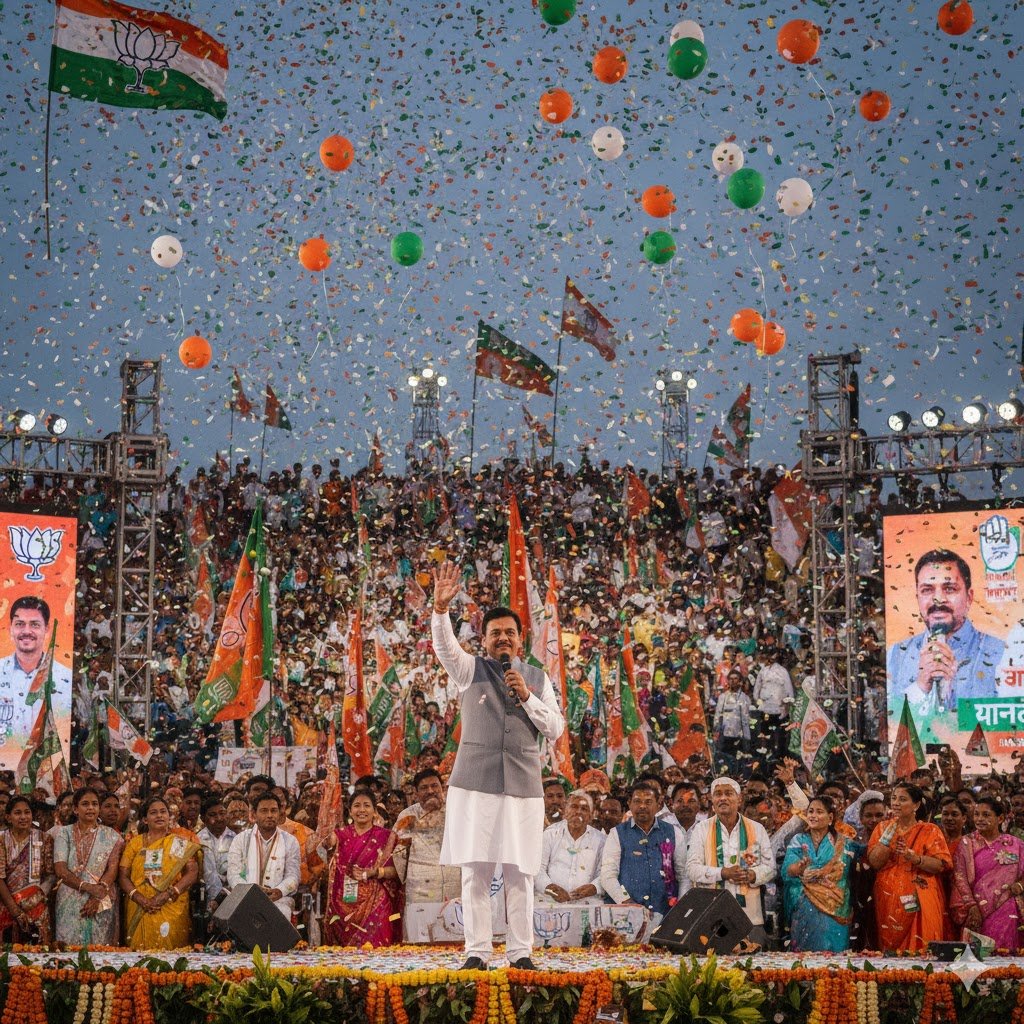
7. Party-Themed Backgrounds
“Add a background of waving flags, balloons, and festive lights in my party’s colors to make my campaign photo look vibrant and energetic.”
8. Supporter Group Photo
“Make this group photo look like we are all campaign volunteers wearing party-colored scarves and holding banners at a rally.”
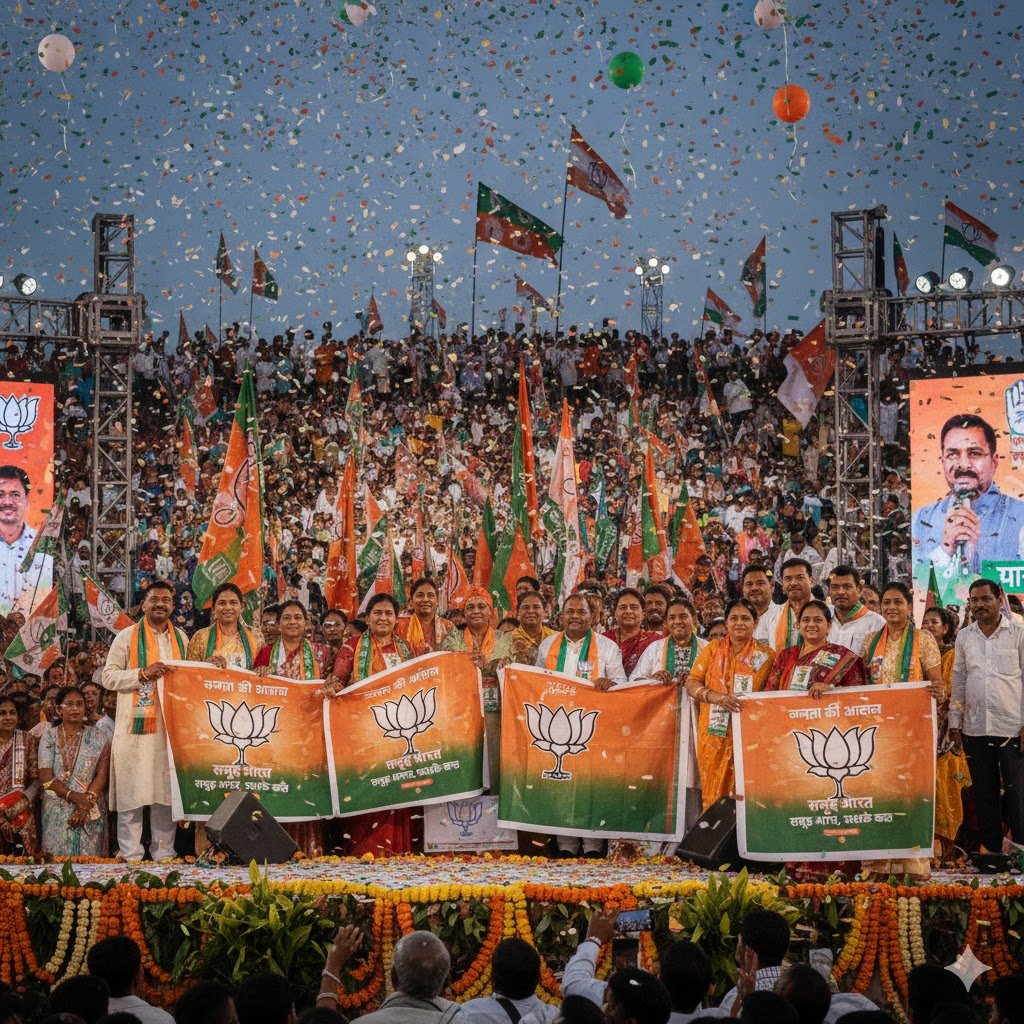
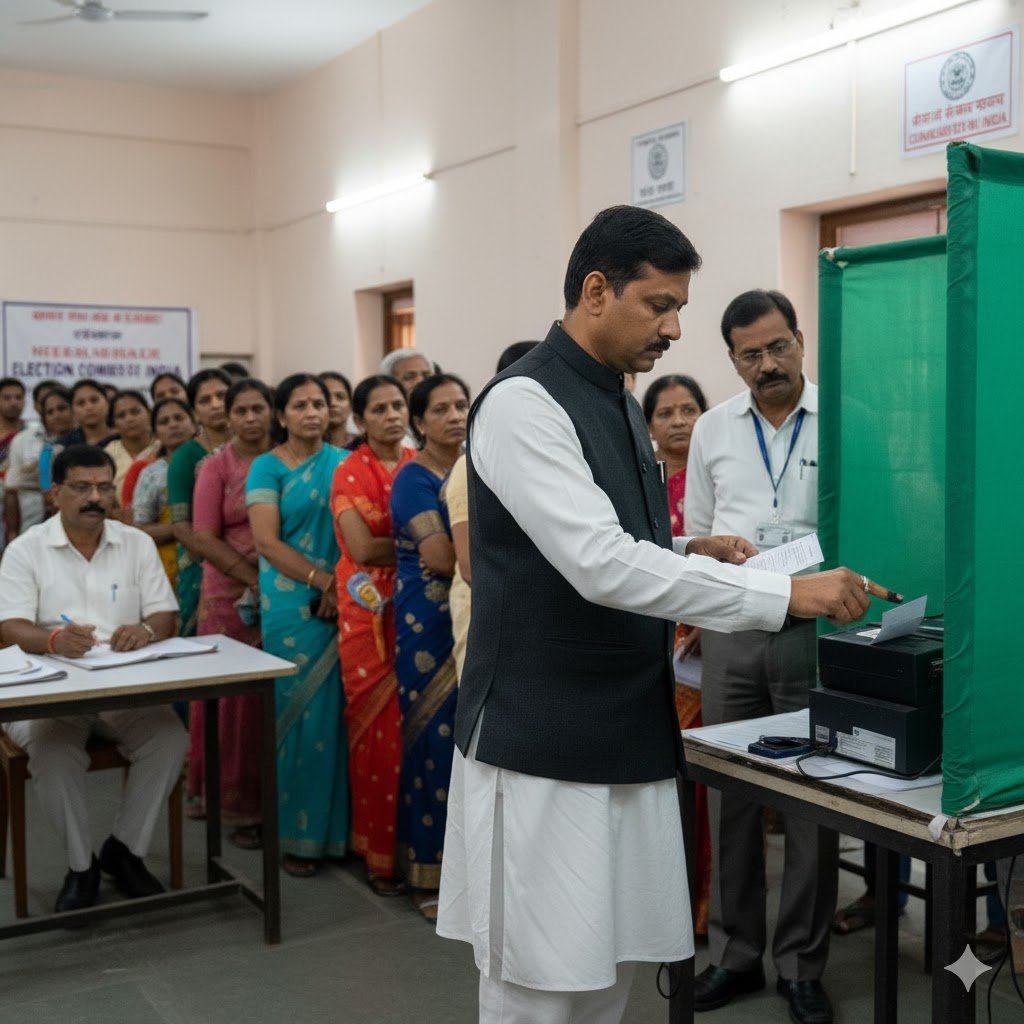
9. Election Day Vibe
“Edit my photo to look like I am casting my vote at a polling booth, with election officials and voters in the background.”
Tips for Best Results
- Always use high-resolution photos for editing.
- Be specific in prompts (mention colors, slogans, or settings).
- Keep edits generic and campaign-style, not tied to real individuals.
- Use AI edits for posters, banners, and social media engagement.
For more inspiration, check out Adobe’s creative photo editing tips.
Conclusion
With these Google Gemini Politicians AI Photo Editing Prompts 2025, you can create professional, campaign-style visuals for election season. Whether it’s a rally scene, a poster edit, or a grassroots campaign moment, these prompts help bring political energy to life in a safe and creative way.
FAQs
1. Can I use these prompts for real politicians?
No, these prompts are designed for generic campaign-style edits, not for real political figures.
2. Are these edits suitable for social media?
Yes, they are perfect for posters, banners, and supporter-driven campaign content.
3. Can I customize prompts for different parties like RJD, BJP, JSP?
Yes, you can adapt colors, slogans, and themes to match any party’s campaign style.
4. Do I need professional photos?
Not necessarily, but higher-quality uploads give better results.
5. Can these prompts be used for group photos?
Yes, Gemini AI can edit group photos to look like campaign volunteer or supporter gatherings.