
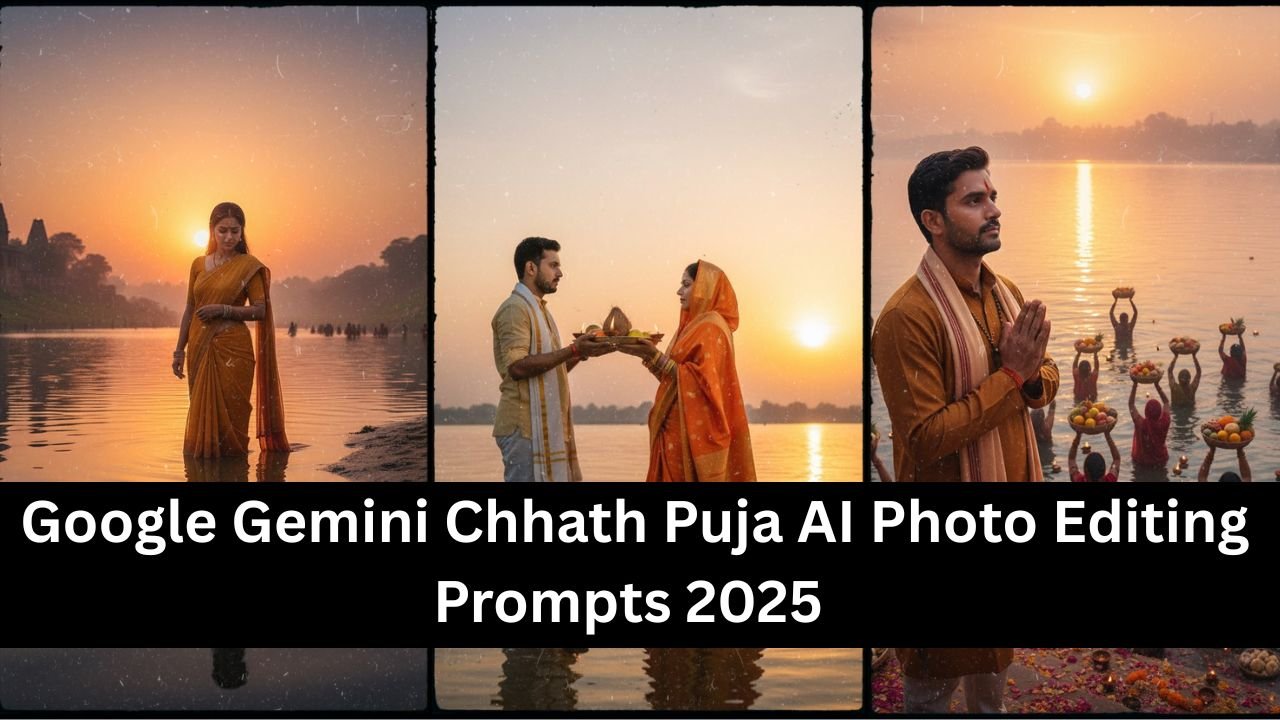
Chhath Puja 2025 is one of the most spiritual and visually stunning festivals in India, celebrated with devotion on riverbanks and ghats. With Google Gemini AI photo editing, you can now transform your simple photos into beautiful, festive portraits that capture the true essence of Chhath Puja.
Below are the best Chhath Puja AI photo editing prompts for 2025, written in a natural way — as if you are directly telling Gemini how you want your photo edited.
Why Use Google Gemini for Chhath Puja Photo Editing?
- Adds realistic sunrise and sunset effects.
- Enhances traditional attire like sarees, dhotis, and kurta-pajamas.
- Creates authentic ghat backgrounds with diyas, flowers, and offerings.
- Produces hyper realistic edits perfect for social media or family albums.
Best Chhath Puja AI Photo Editing Prompts 2025
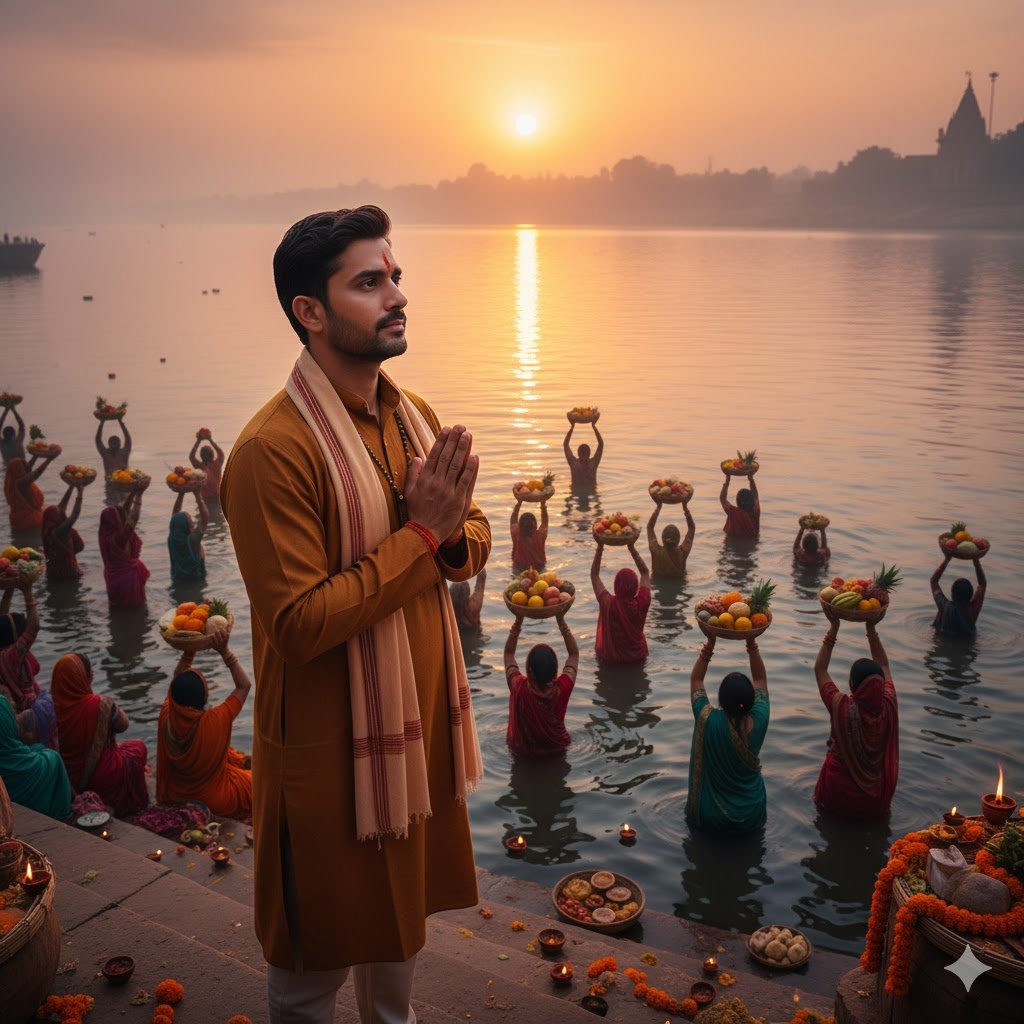
1. Sunrise at the Ghat
“Edit my photo to make it look like I am standing at the Chhath Puja ghat during sunrise, with the river behind me and devotees offering arghya.”
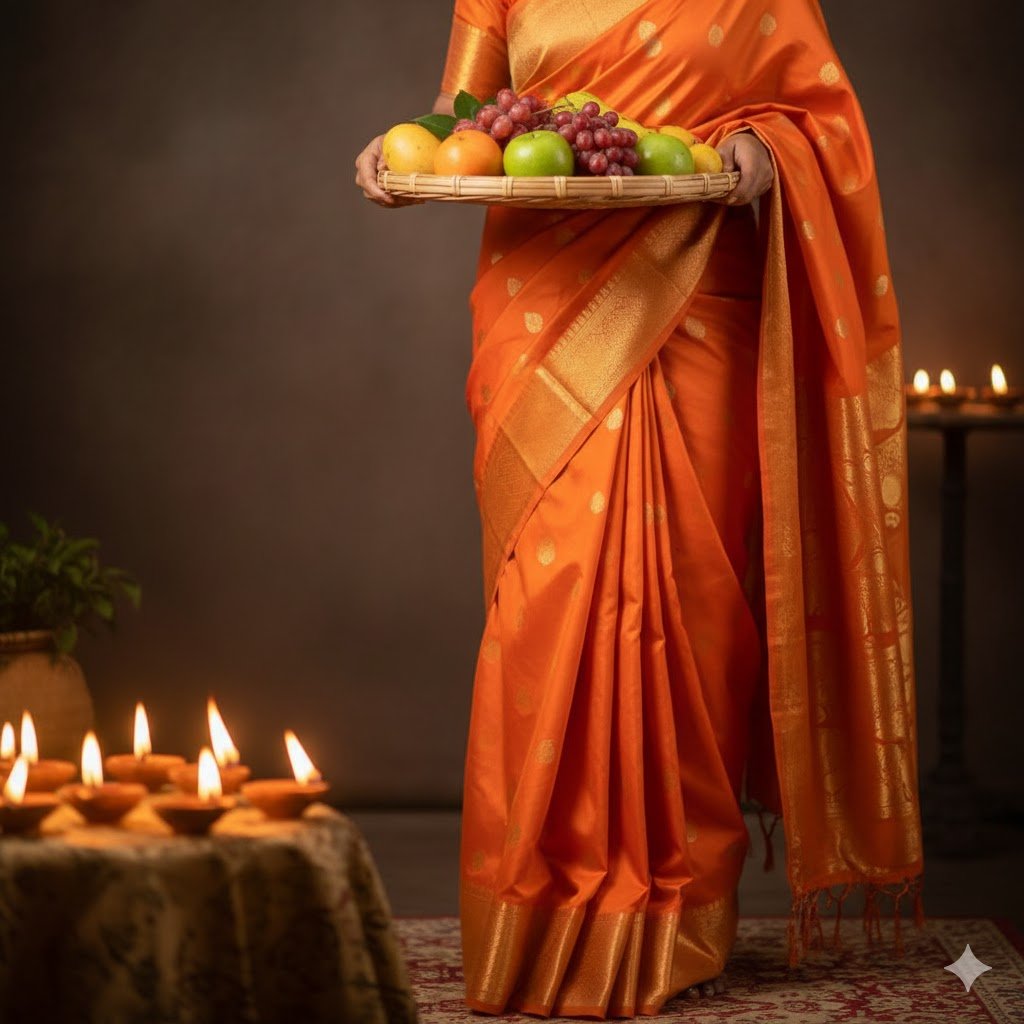
2. Traditional Saree Look
“Edit my photo so that I am wearing a bright orange silk saree, holding a soop filled with fruits, with glowing diyas around me.”
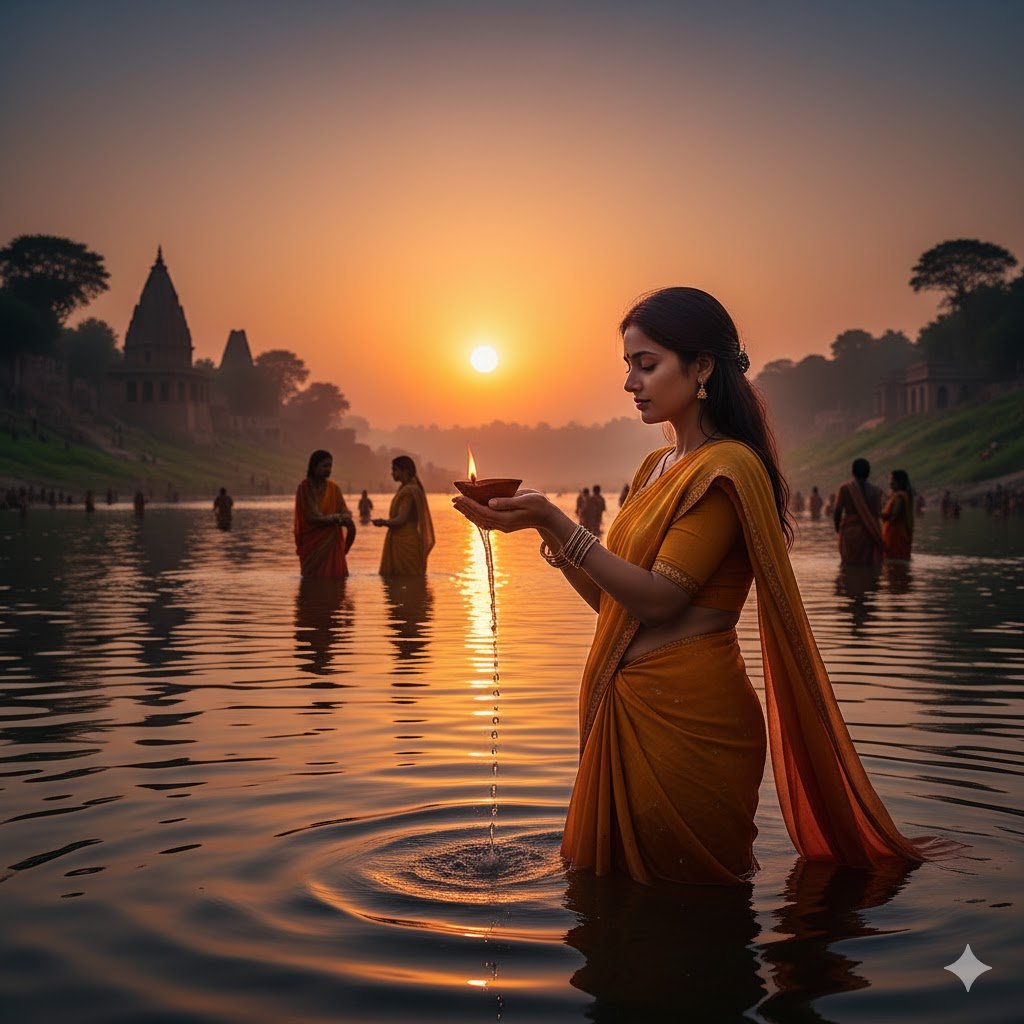
3. Evening Arghya Scene
“Make my photo look like I am standing in the water during sunset, holding a diya while offering arghya.”
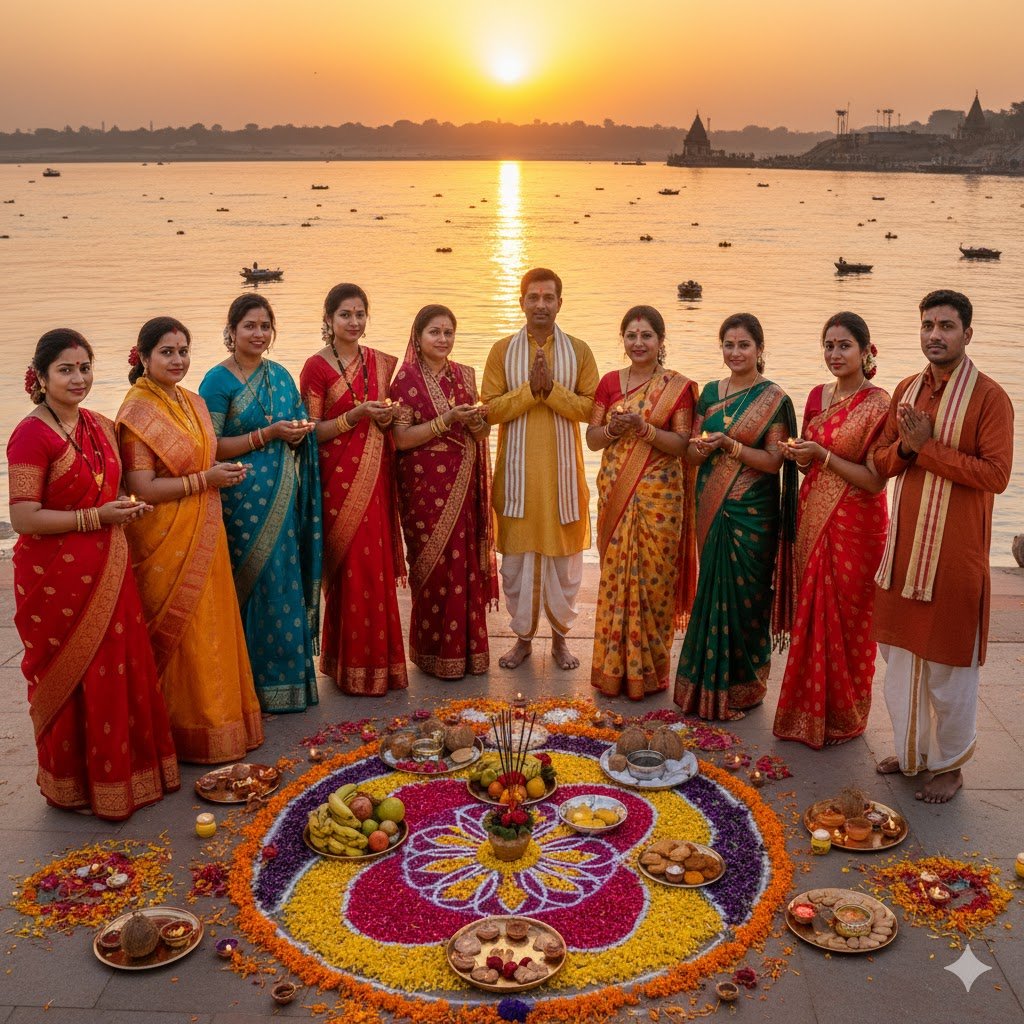
4. Family Celebration
“Edit this group photo to look like we are celebrating Chhath Puja together at the ghat, dressed in traditional clothes, with rangoli and flowers around us.”
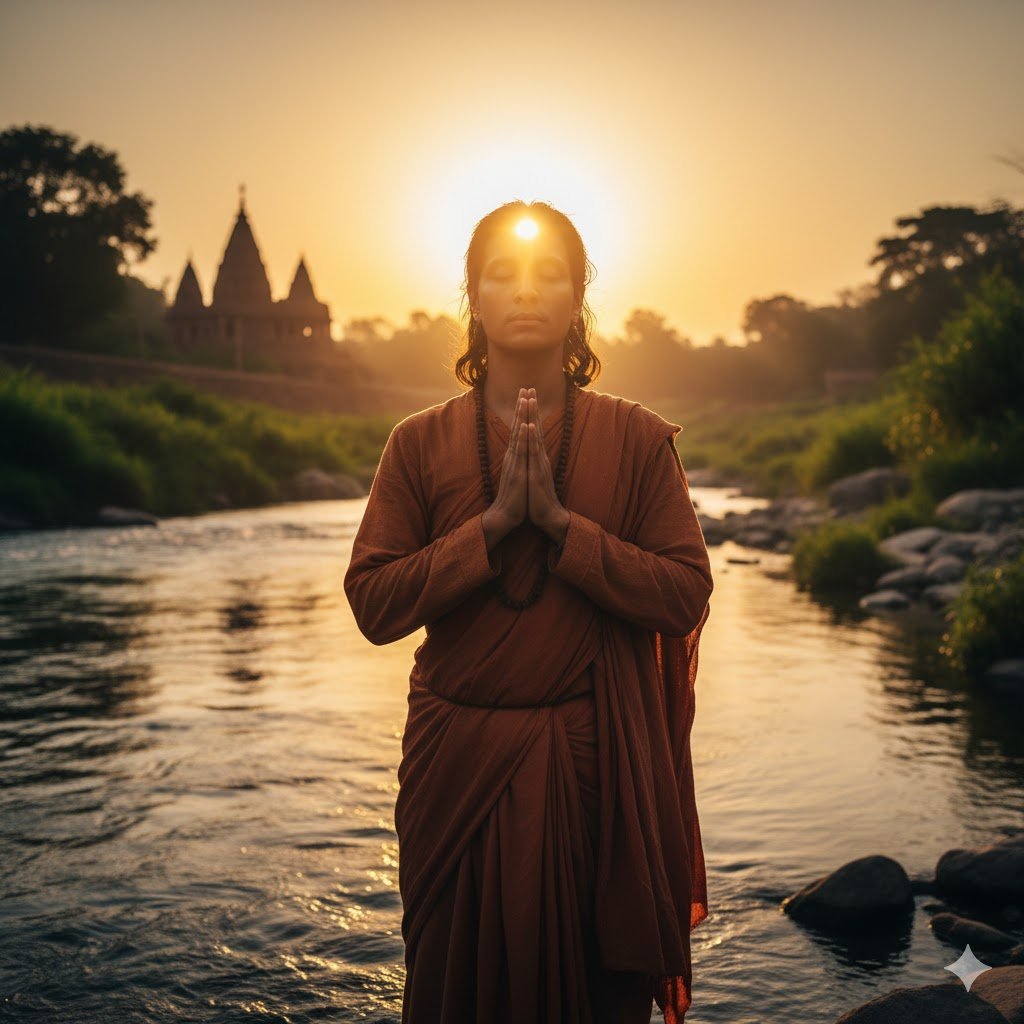
5. Devotional Portrait
“Enhance my solo photo so I look like a devotee with folded hands, standing by the river with sunlight shining directly on me.”
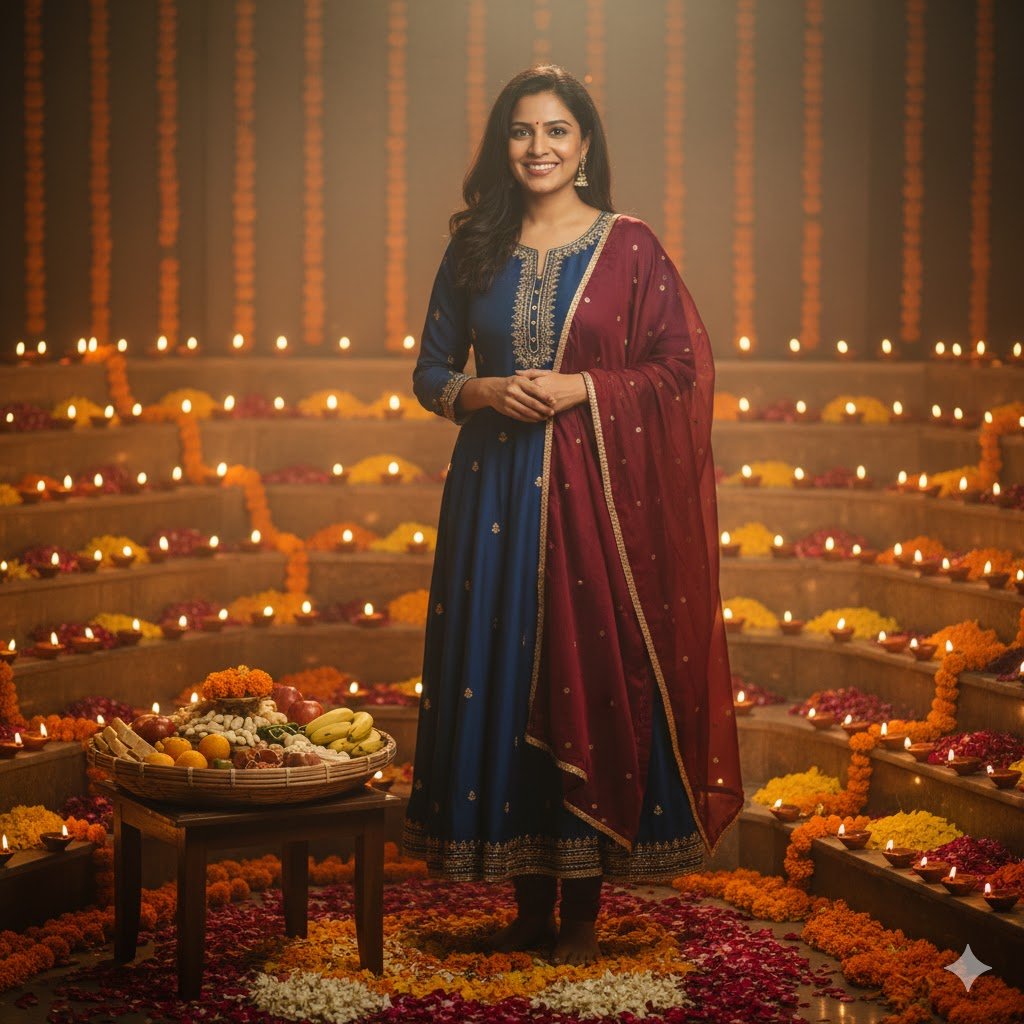
6. Diyas and Flowers Background
“Add a background of glowing diyas, flowers, and soop filled with prasad to my photo, making it look festive and natural.”
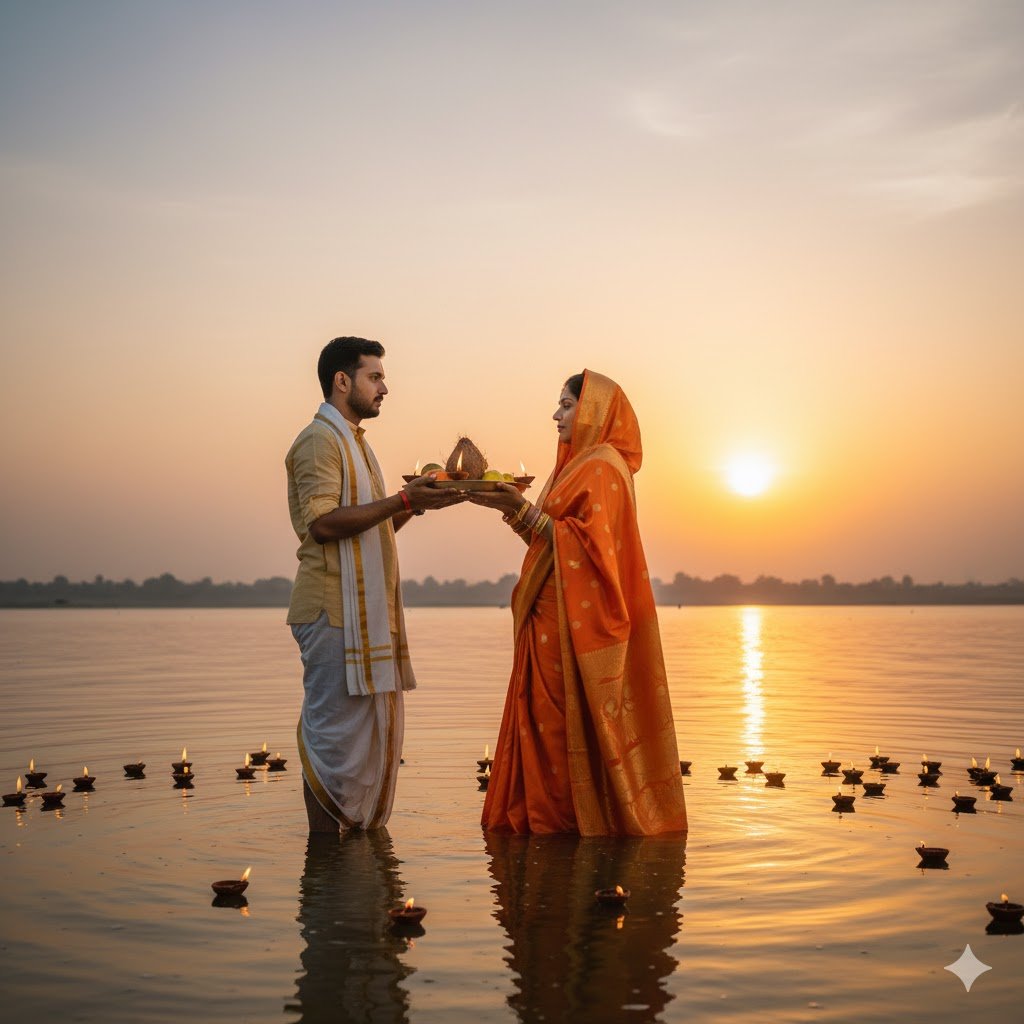
7. Couple Photo at Sunset
“Edit my couple photo to make it look like we are standing in the water at sunset, offering arghya together in traditional attire.”
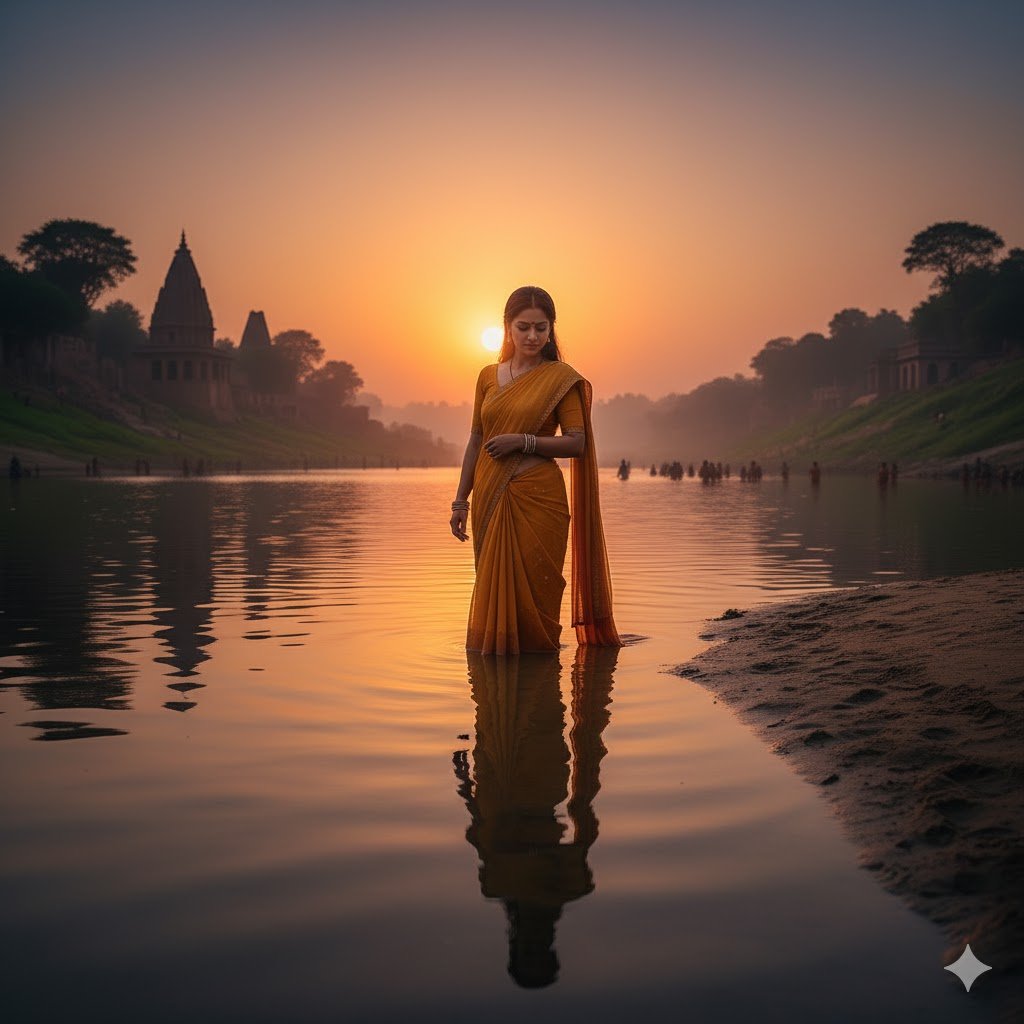
8. River Reflection Effect
“Make my photo look like I am standing at the riverbank with my reflection clearly visible in the water.”
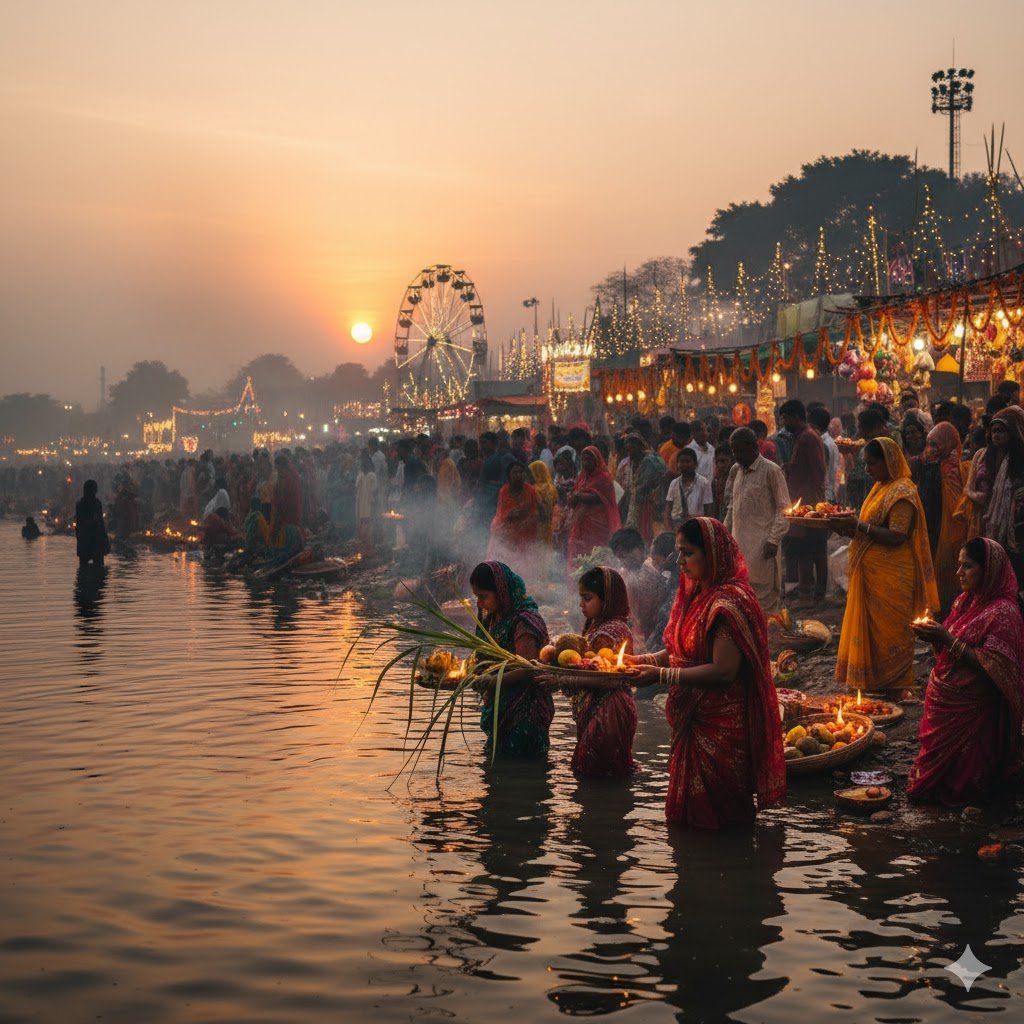
9. Cultural Festive Glow
“Enhance my photo with a festive glow, showing a Chhath Puja fair in the background with people performing rituals.”
Tips for Best Results
- Use high-resolution photos for editing.
- Be specific in prompts (mention outfit, background, lighting).
- Try multiple variations to find the most natural look.
- Keep edits festive but realistic for social media sharing.
For more inspiration, check out Adobe’s creative photo editing tips.
Conclusion
With these Google Gemini Chhath Puja AI Photo Editing Prompts 2025, you can turn ordinary photos into stunning festive portraits. Whether you want a sunrise ghat scene, a devotional portrait, or a family celebration edit, Gemini AI makes it possible with just a few words.
FAQs
1. Can Gemini AI edit Chhath Puja photos realistically?
Yes, Gemini can add ghats, diyas, sunlight, and traditional attire with hyper realistic results.
2. Do I need professional photos for these prompts?
No, but higher-quality uploads give better results.
3. Can these prompts be used for group photos?
Yes, Gemini can edit group photos with festive elements like ghats and offerings.
4. Are the edits suitable for social media?
Yes, with the right prompts, Gemini creates natural-looking edits perfect for sharing.
5. Where can I learn more about photo editing techniques?
You can explore Adobe’s photo editing tips.