
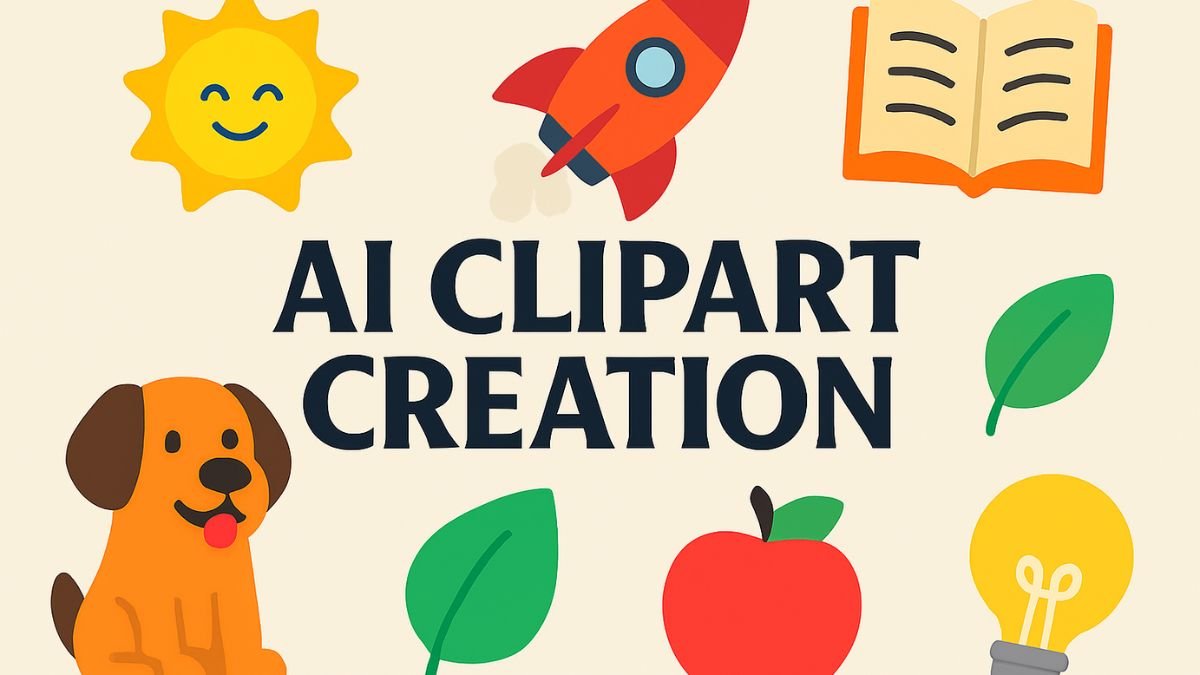
Turn simple prompts into versatile illustrations for any project
Clipart has long been a staple in design—clean, symbolic, and easy to reuse across formats. With AI tools now capable of generating custom illustrations from text prompts, creating clipart is faster, more flexible, and more creative than ever.
What Is Clipart?
Clipart refers to pre-made illustrations that are typically:
- Simple and symbolic (icons, objects, characters)
- Flat or minimal in style
- Used in presentations, websites, documents, and educational materials
- Often in PNG or SVG format for easy scaling and transparency
Best AI Tools for Clipart Creation
| Tool | Strength |
|---|---|
| Midjourney | High-quality stylized clipart with prompt control and artistic flair |
| DALL·E 3 in ChatGPT | Clean, editable illustrations with prompt refinement |
| Canva Magic Media | Beginner-friendly clipart generation with drag-and-drop use |
| OpenArt Clipart Generator | Free, fast clipart creation tailored for documents and presentations |
Sources:
How to Create AI Clipart – Step-by-Step
1. Choose Your Tool
Pick a platform based on your style needs and output format (PNG, SVG, etc.).
2. Write a Clear Prompt
Include:
- Subject: e.g., “a smiling sun,” “a rocket ship,” “a cartoon dog”
- Style: “flat vector,” “minimalist,” “line art,” “bold colors”
- Format: “transparent background,” “centered icon,” “no text”
Example:
“Flat vector clipart of a red rocket ship with white smoke trail, centered, transparent background”
3. Generate and Refine
- Review the output
- Regenerate or tweak the prompt for better results
- Use editing tools (Canva, Illustrator) to clean up or recolor
4. Export and Use
- Save as PNG for web use
- Convert to SVG for scalable design
- Use in presentations, websites, stickers, or printables
Tips for Better Clipart
- Use consistent style across a set for branding
- Avoid gradients if you want a flat look
- Request transparent backgrounds for layering flexibility
- Batch prompts to create themed collections (e.g., animals, food, tools)
Frequently Asked Questions
1. What is AI-generated clipart?
AI-generated clipart refers to simple, symbolic illustrations created using text prompts in tools like DALL·E, Midjourney, or Canva Magic Media.
2. Which styles work best for clipart prompts?
Flat vector, minimalist, line art, and cartoon styles are ideal. These ensure clarity, scalability, and visual consistency.
3. Can I request transparent backgrounds for clipart?
Yes. Most AI tools allow you to specify “transparent background” in your prompt to make the clipart usable across designs.
4. What formats are best for exporting clipart?
PNG is best for web use and layering. SVG is ideal for scalable vector graphics in design software or print.
5. How do I create a themed clipart set?
Use batch prompts with consistent style and subject modifiers. For example:
“Flat vector clipart of 10 different fruits, each centered, bold colors, transparent background”