
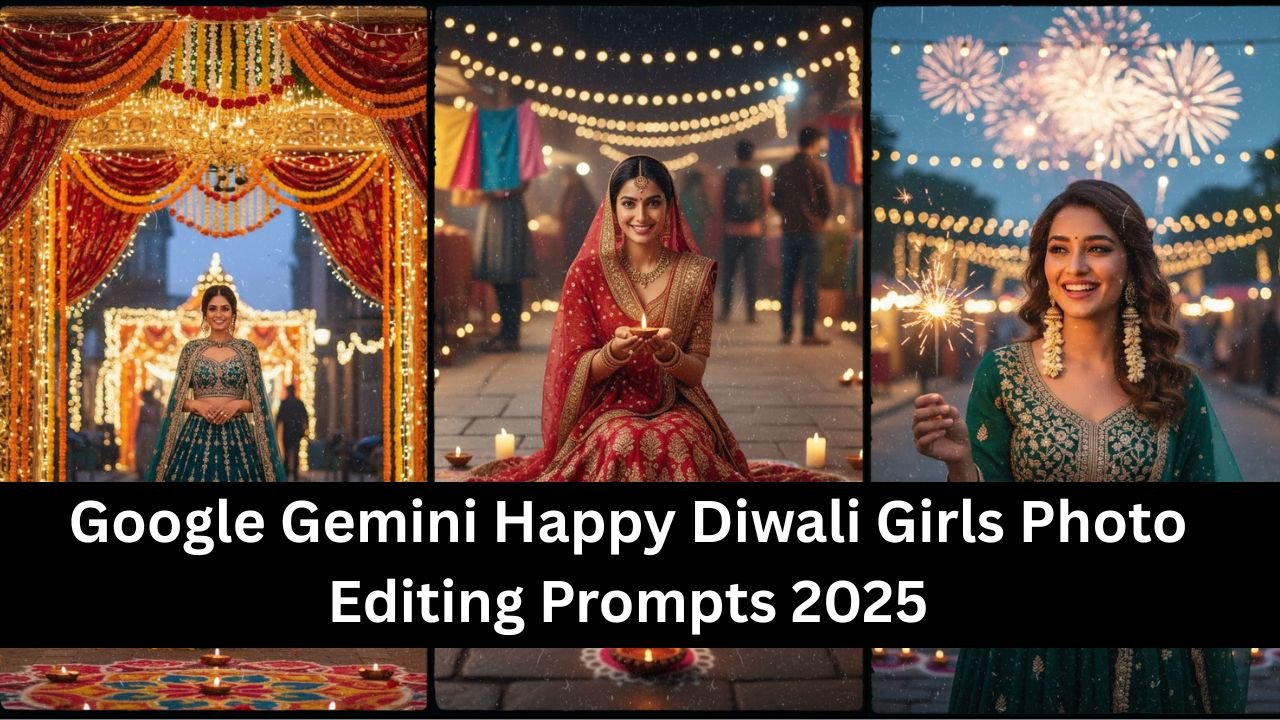
Diwali is a festival of lights, joy, and celebration — and in 2025, Google Gemini AI is making it easier than ever to create stunning, hyper realistic festive portraits. For girls who want their Diwali photos to shine with elegance, tradition, and creativity, the right AI prompts can transform simple pictures into professional-quality edits.
This article shares the best Happy Diwali photo editing prompts for girls, designed to capture the festive spirit with vibrant colors, traditional outfits, and glowing backgrounds.
Why Use Google Gemini for Diwali Photo Editing
Gemini AI is built to understand context and style, making it ideal for festival-themed edits. With the right prompts, it can:
- Add traditional Indian attire like sarees, lehengas, or salwar suits.
- Enhance lighting with diyas, lanterns, and fireworks.
- Create festive backdrops with rangoli, temples, or decorated homes.
- Deliver hyper realistic portraits suitable for social media or family albums.
Best Happy Diwali Girls Photo Editing Prompts 2025
1. The Ethereal Sparkler Glow
Imagine holding a sparkler, its golden light softly illuminating your face against a magical Diwali night sky. This prompt helps you achieve that dreamlike effect, emphasizing the warmth and wonder of the festival.
The Prompt: “Enhance my photo with a beautiful girl holding a glowing sparkler. Add subtle, golden light reflections on her festive outfit and face. The background should feature soft-focus Diwali fairy lights and distant fireworks, creating a warm, magical ambiance at twilight.”
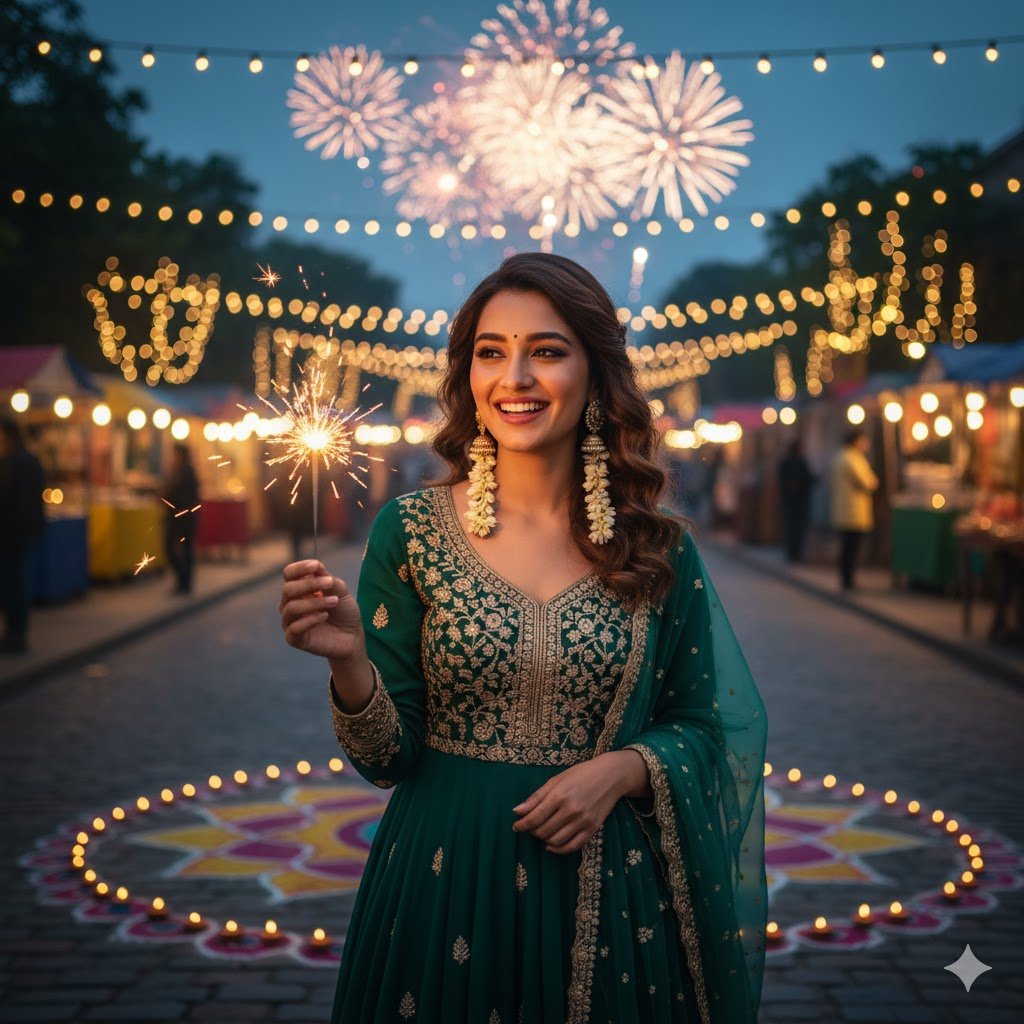
This prompt is perfect for capturing the pure joy and enchantment of Diwali. The AI will artfully blend your image with elements like delicate light reflections and a twinkling backdrop, making you the radiant center of attention. Think about wearing traditional attire like a lehenga or a beautiful salwar kameez to complement the festive vibe. Gemini’s ability to handle intricate lighting effects will make your photo truly stand out, offering a hyper-realistic glow that’s hard to achieve with conventional editing. It’s a fantastic way to showcase your festive mood and celebrate the triumph of light over darkness.
2. Rangoli Radiance with Traditional Charm
Rangoli is an integral part of Diwali, symbolizing good luck and welcome. This prompt positions you elegantly amidst a vibrant rangoli design, surrounded by the soft glow of traditional diyas (oil lamps) and candles.
The Prompt: “Place my photo of a girl in a traditional Indian outfit onto a beautifully intricate, colorful rangoli design on the floor. Surround her with numerous glowing diyas and candles. Ensure the background subtly features blurred Diwali decorations, focusing on the vibrant colors and serene festive atmosphere. Her expression should be joyful and natural.”
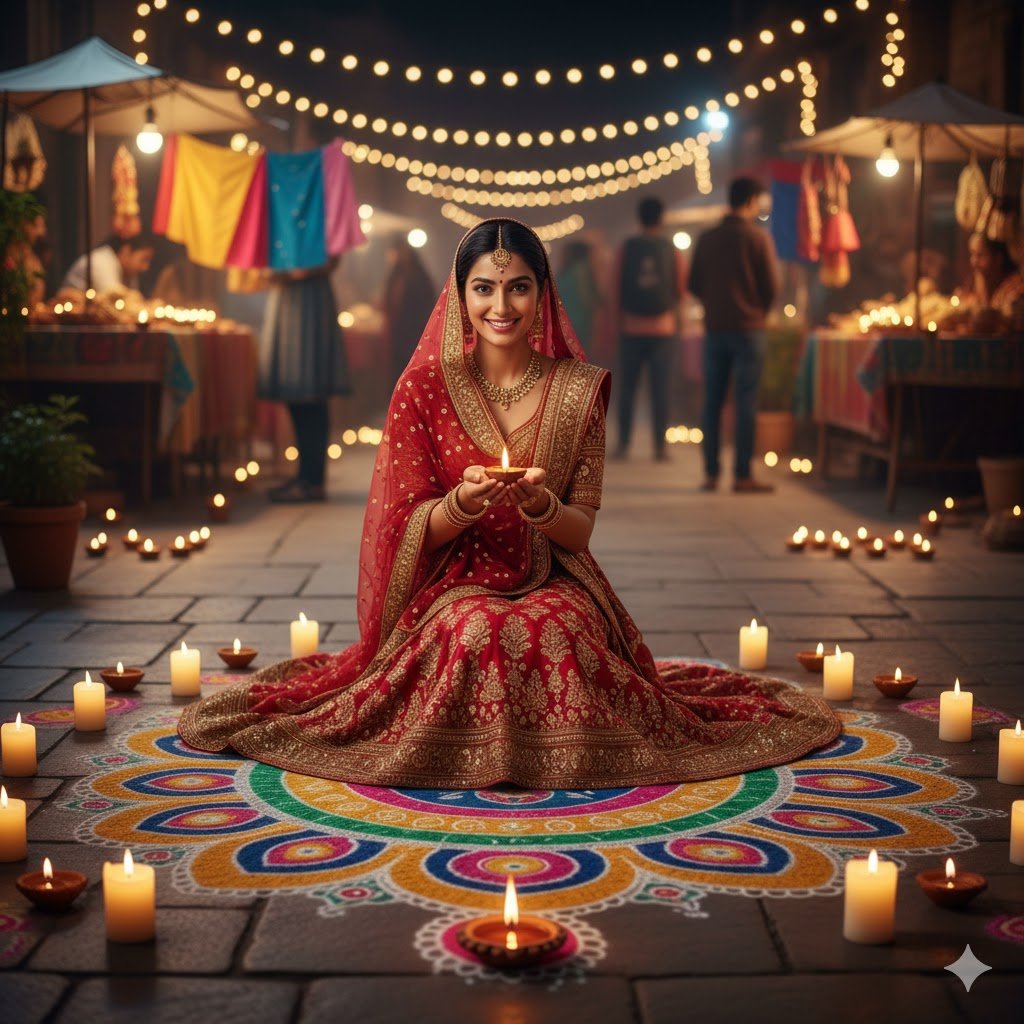
This prompt creates a heartwarming and culturally rich image. The AI will seamlessly integrate your photo into a classic Diwali setting, highlighting the beauty of Indian traditions. The focus on rangoli and diyas adds an authentic touch, making your picture resonate with the true spirit of Dipawali. Gemini’s precision allows for the intricate details of the rangoli to shine, making your photo not just a picture, but a piece of art that reflects cultural richness. This is ideal for those who love to celebrate Diwali with a strong connection to its roots and artistry.
3. The Grand Festive Entrance
Make a grand statement this Diwali by placing yourself in a stunning, beautifully decorated archway or doorway, adorned with marigolds and fairy lights, signifying an auspicious beginning.
The Prompt: “Edit my photo of a girl in an elegant Indian ethnic dress walking through a lavishly decorated doorway or archway. The decorations should include vibrant marigold garlands, warm fairy lights, and ornate fabrics, creating a rich and inviting Diwali entrance. The background should show a glimpse of a festive interior or a brightly lit street.”
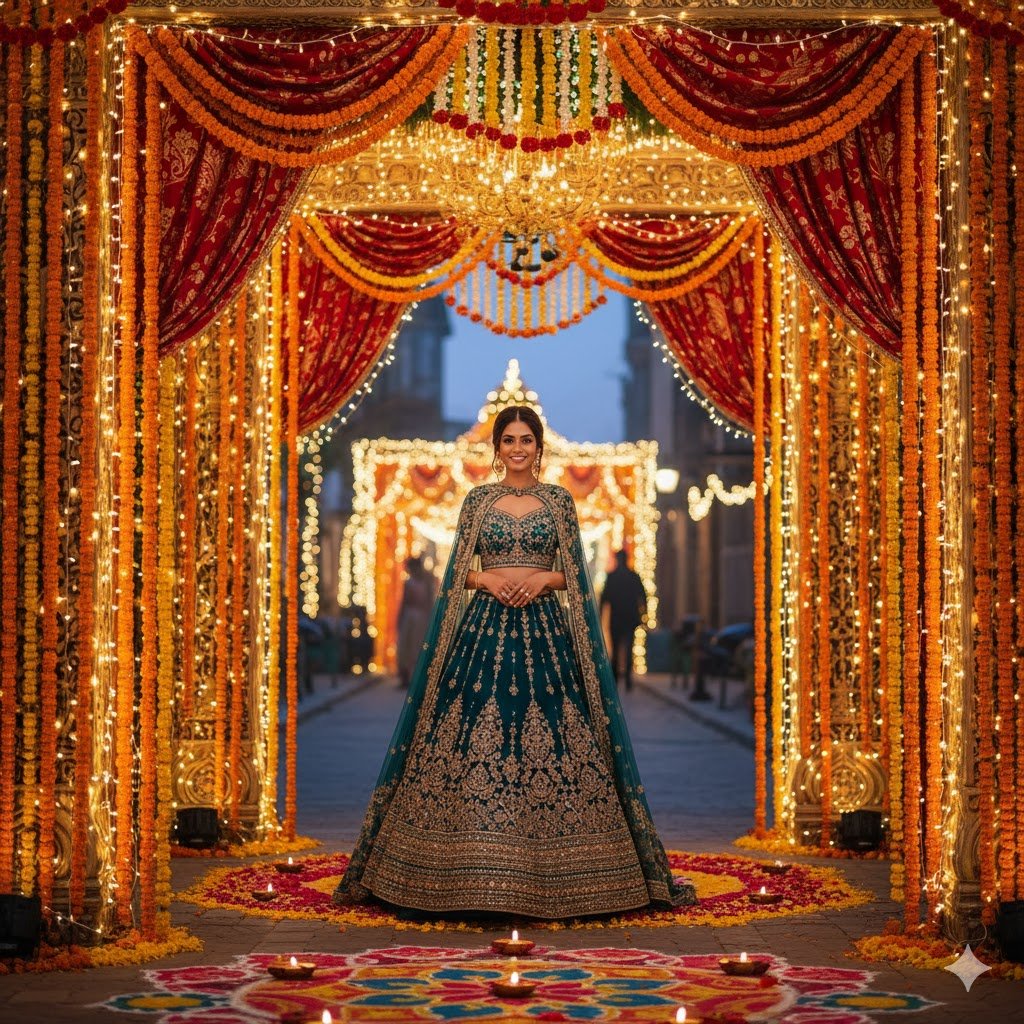
This prompt is fantastic for those who want to portray elegance and grandeur. The AI will construct a magnificent backdrop, making you feel like royalty stepping into a grand Diwali celebration. The detailed floral and light decorations will add depth and richness to your portrait, turning a simple photo into a breathtaking scene. This kind of visual storytelling is highly engaging and perfect for sharing on platforms like Instagram, ensuring your Diwali look gets the attention it deserves.
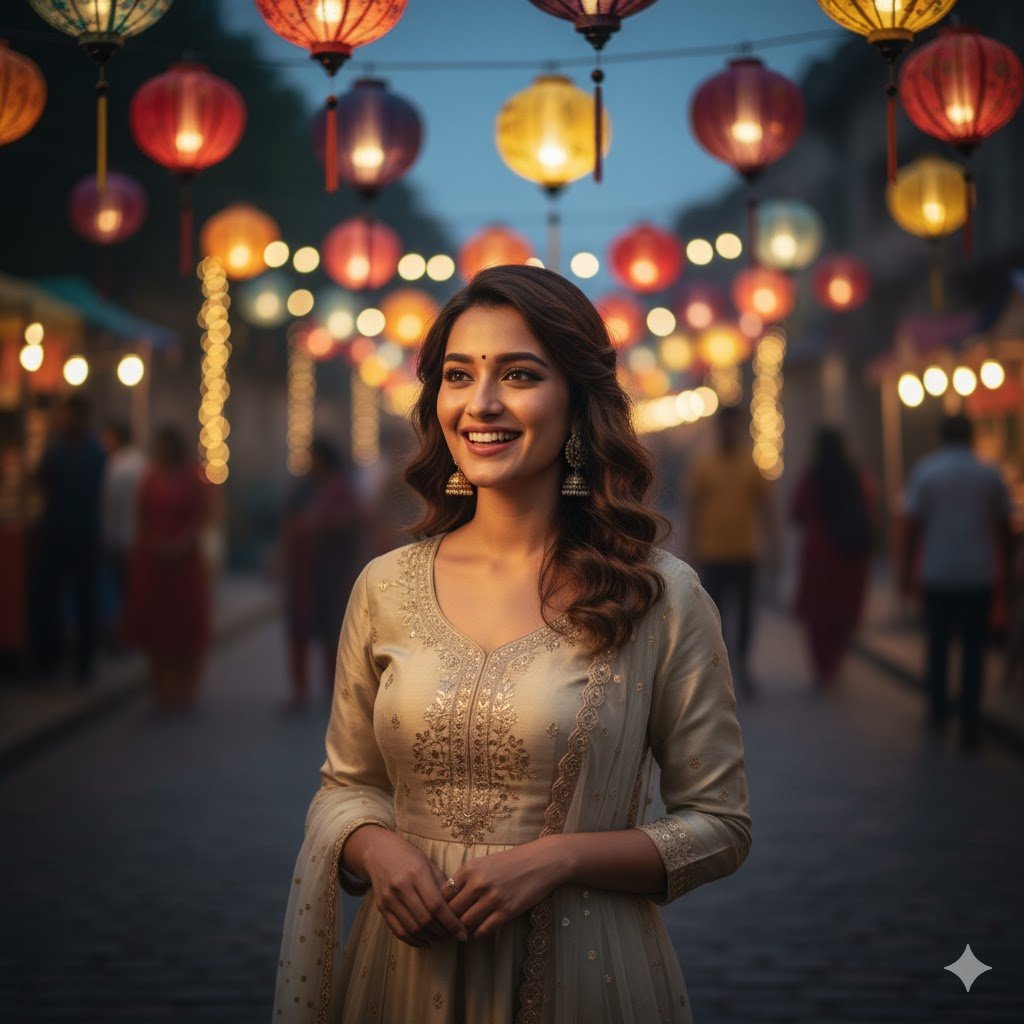
4. Candid Moments by the Lanterns
Capture the serene beauty of Diwali with a candid shot amidst an array of traditional paper lanterns, casting a soft, diffused glow around you.
The Prompt: “Integrate my photo of a girl with a genuine, happy expression into a setting filled with various illuminated traditional paper lanterns of different colors and sizes. The lanterns should provide the primary, soft lighting. Ensure a slightly blurred background that hints at a lively Diwali fair or home celebration.”
Tips for Best Results
- Use high-resolution photos for editing.
- Be specific in prompts (mention outfit, background, lighting).
- Try multiple variations to find the most natural look.
- Keep edits festive but realistic for social media sharing.
For more inspiration, check out Adobe’s creative photo editing tips.
Conclusion
With the right Google Gemini Happy Diwali Girls Photo Editing Prompts 2025, you can turn ordinary photos into festive masterpieces. Whether you want a traditional saree look, a modern party vibe, or a fun sparkler celebration, Gemini AI makes it possible with just a few words.
FAQs
1. Can Gemini AI edit Diwali photos for girls?
Yes, Gemini can enhance outfits, add festive backgrounds, and create hyper realistic edits.
2. Do I need professional photos for Gemini prompts?
No, but higher-quality uploads give better results.
3. Can these prompts be used for group photos?
Yes, Gemini can edit group photos with festive elements like diyas and rangoli.
4. Are the edits realistic enough for social media?
Yes, with the right prompts, Gemini creates natural-looking edits perfect for sharing.
5. Where can I learn more about photo editing techniques?
You can explore Adobe’s photo editing tips.