
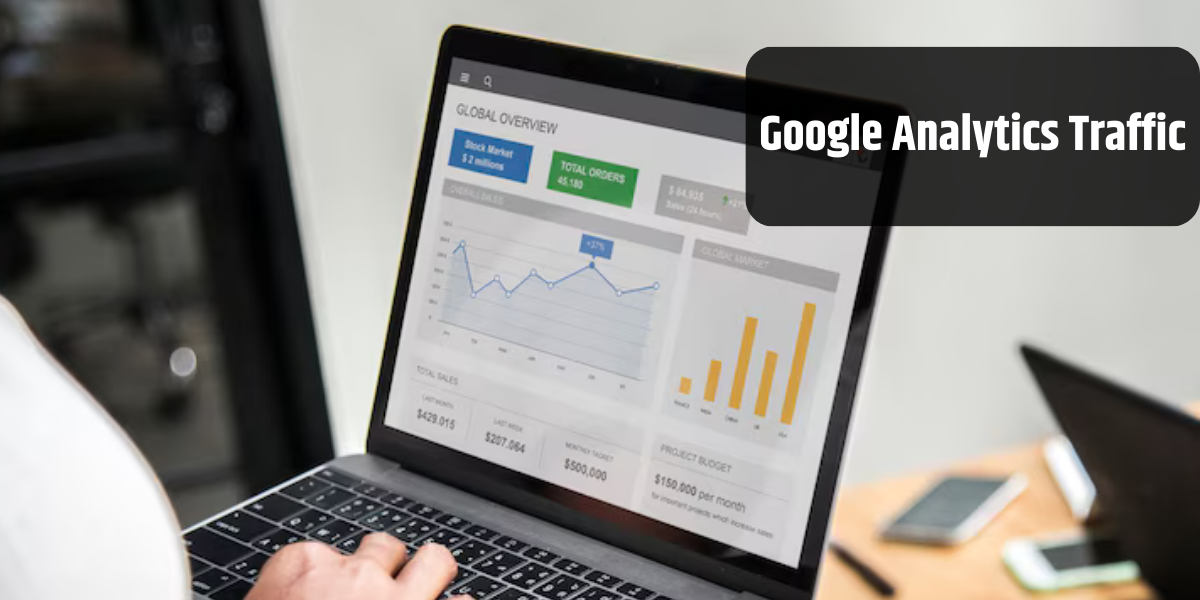
Google Analytics is one of the powerful tools that enable website owners to gain insight into their websites.
Knowing traffic sources is an essential aspect for any website, as it can help you refine your marketing strategies, allocate resources effectively, and optimize your content to target specific audiences.
In this blog, we’ve mentioned how to see where traffic is coming from Google Analytics. Let’s begin!
What are Different Types of Google Analytics Traffic Sources?
Google Analytics has several predefined channels from which your website traffic comes. Below, we’ve mentioned some of the most popular channels, enabling you to understand the type of visitors coming to your website.
1. Organic Search
Organic Search refers to the visitors who have clicked on your site link that appeared on Google’s SERP. These visitors have come to your website during searches similar to your products. Therefore, these can be the most qualitative leads for your business.
2. Paid Search
Paid Search refers to the visitors that have come to your site by clicking on your paid link or sponsored link. You’ll find this channel in Google Analytics only if running the advertisement for your website. Similar to organic search, these visitors are also searching for something that your website offers. They just find your link on the top of Google because you’re paying for it.
3. Email
These are the visitors who have come to your site by clicking on your website link mentioned in the email campaign that you sent. Since they are getting your email, these visitors are already subscribed to your email list. Hence, there is a high chance that visitors belonging to “Email” are already your customers or at least know your brand very well.
4. Organic Social
The visitors belonging to “Organic Social” are mainly the ones who have clicked on your site link via a social networking website or applications, including Facebook, Instagram, Twitter, or LinkedIn. This is not paid marketing. Here, users might have been using their social media platform and come across your site link through either your post or another creator’s post. Compared to other organic traffic sources, visitors here are just casual browsers on your website.
5. Referral
Referral traffic is one of the most valuable sources of traffic if it comes from high-quality websites. Here, visitors click on your site link, which is present on another website that is not a social media platform or search engine.
6. Direct
In a theoretical view, the “direct” channel refers to visitors who wrote the URL of your site directly into the browser. In a practical view, the “direct” channel refers to unknown or untrackable sources. This may include visitors from links in documents, links shared on platforms like WhatsApp, Facebook Messenger, Slack, Skype, Zoom, clicks on bookmarked links, and some other scenarios. This channel showcases quality visitors, as they already know your website or visit your site for an essential reason.
How to See Where Traffic is Coming from Google Analytics 4 (GA4)?
Step 1: First, you need to log in to your Google Analytics account.
Step 2: Navigate by clicking on Acquisition > Traffic Acquisition

Step 3: In this overview of Google Analytics web traffic report, you can have a look at all the channels driving the most traffic to your website. It is depicted in the image above.
Step 4: For an in-depth look at traffic sources, you must click on the Session default channel group dropdown.

Step 5: Now, select Session source/medium

Step 6: This way, you can better understand your traffic sources, like which search engine contributes to organic traffic, which websites send you referral traffic and more.
Conclusion
In summary, understanding where your website traffic is coming from can help you identify top-performing traffic sources, uncover growth opportunities, and make data-driven decisions to enhance your website performance. We hope this blog helps you understand how to see where traffic is coming from Google Analytics 4.
Frequently Asked Questions
Q1. Does Google Analytics show website traffic?
Yes, Google Analytics can show in-depth data regarding website traffic, including the number of users, sessions, page views, and more. Moreover, it also enables you to know where your website traffic is coming from, such as search engines, social media, and referral websites, along with providing insights into user behaviour, engagement, and conversion.
Q2. How do I know the traffic source of a website?
Here’s a simple process to identify traffic sources of a website in Google Analytics.
1. Click on Reports > Acquisition > Traffic Acquisition
2. Tap on the Source/Medium column to see a breakdown of traffic by sources, including Organic Search, Referral, Direct, and Social.
Q3. How do I see paid traffic in Google Analytics?
To see paid traffic in Google Analytics, you need to follow the simple steps mentioned below.
1. Navigate to Reports > Acquisition > Traffic Acquisition
2. Click on the Source/Medium column and filter it by “google/CPC” or likewise paid premiums.
Q4. How do I see how much traffic a website gets?
To see how much traffic you’re getting on the site, you can use certain free tier tools such as Semrush, Ahrefs, or SimilarWeb. Alternatively, you can also use Google Analytics, a completely free tool that can help you gain insights regarding users, sessions, page views, and more. However, the above-mentioned paid tools can help you gain deeper insights into your website traffic.
Q5. What is display traffic on Google Analytics?
Display Traffic refers to the visitors reaching your website through display advertising placed on third-party websites.